If you want to customize the Static Management Plug-inpseudo-staticIf you do not use the URL configuration options that come with the Static Management Plug-in, you need to understand the call label of the URL configuration.
1. Article URL configuration
label
role
{%host%}
website address
{%category%}
Alias for the category to which the article belongs
{%id%}
Article ID
{%alias%}
Article alias
{%year%}
Date of publication of article (year)
{%month%}
Date of publication of article (month)
2. Page URL configuration
label
role
{%host%}
website address
{%id%}
page ID
{%alias%}
page alias
3. URL configuration of the home page
label
role
{%host%}
website address
{%page%}
Home list page page
4. URL configuration of classification page
label
role
{%host%}
website address
{%id%}
classification id
{%page%}
Category list page page page
{%alias%}
Classification alias
5. URL configuration for tab pages
label
role
{%host%}
website address
{%id%}
tag ID
{%page%}
Tab list page page page
{%alias%}
tag alias
6. URL configuration for date page
label
role
{%host%}
website address
{%date%}
date
{%page%}
Date list page page turning
7. URL configuration for author page
label
role
{%host%}
website address
{%id%}
Author id (user id)
{%alias%}
Author alias
{%page%}
Author list page page page
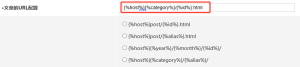
Finally, now that you know the role of the URL configuration tab and refer to the preset URL configuration options on the configuration page, you can customize the URL configuration according to your own needs.
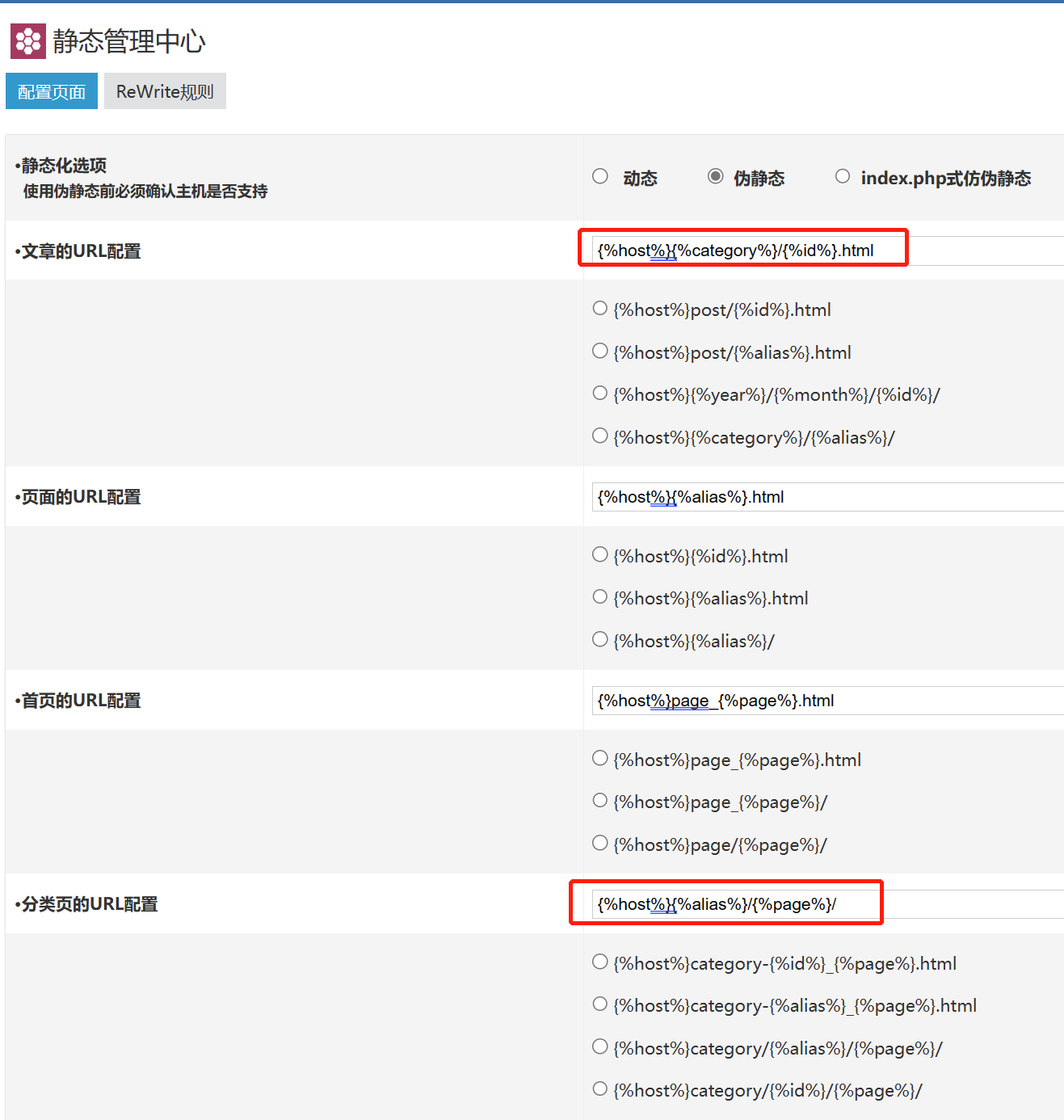
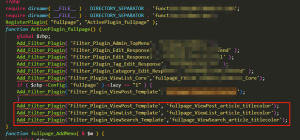
As shown in the following figure: The URL configuration of articles and categories is customized










 Add customer service qq.
netizens commented