
When companies make overseas websites, they often already have a batch of product pages, service introductions, customer cases and articles. Each time a language is added, these contents need to be read again. If all are handed over to the machine translation API, the website has not yet started operation, and there is already a stock translation expenditure.
This time, we give FinchUI multilingual websiteplug-inAdded MCP translation interfaceThe purpose is straightforward:Use the free tokens available in the local AI client side account to browse the existing content first and reduce the overhead of the machine translation API.
First use the free quota to turn over the old content, and then use the API to handle daily updates
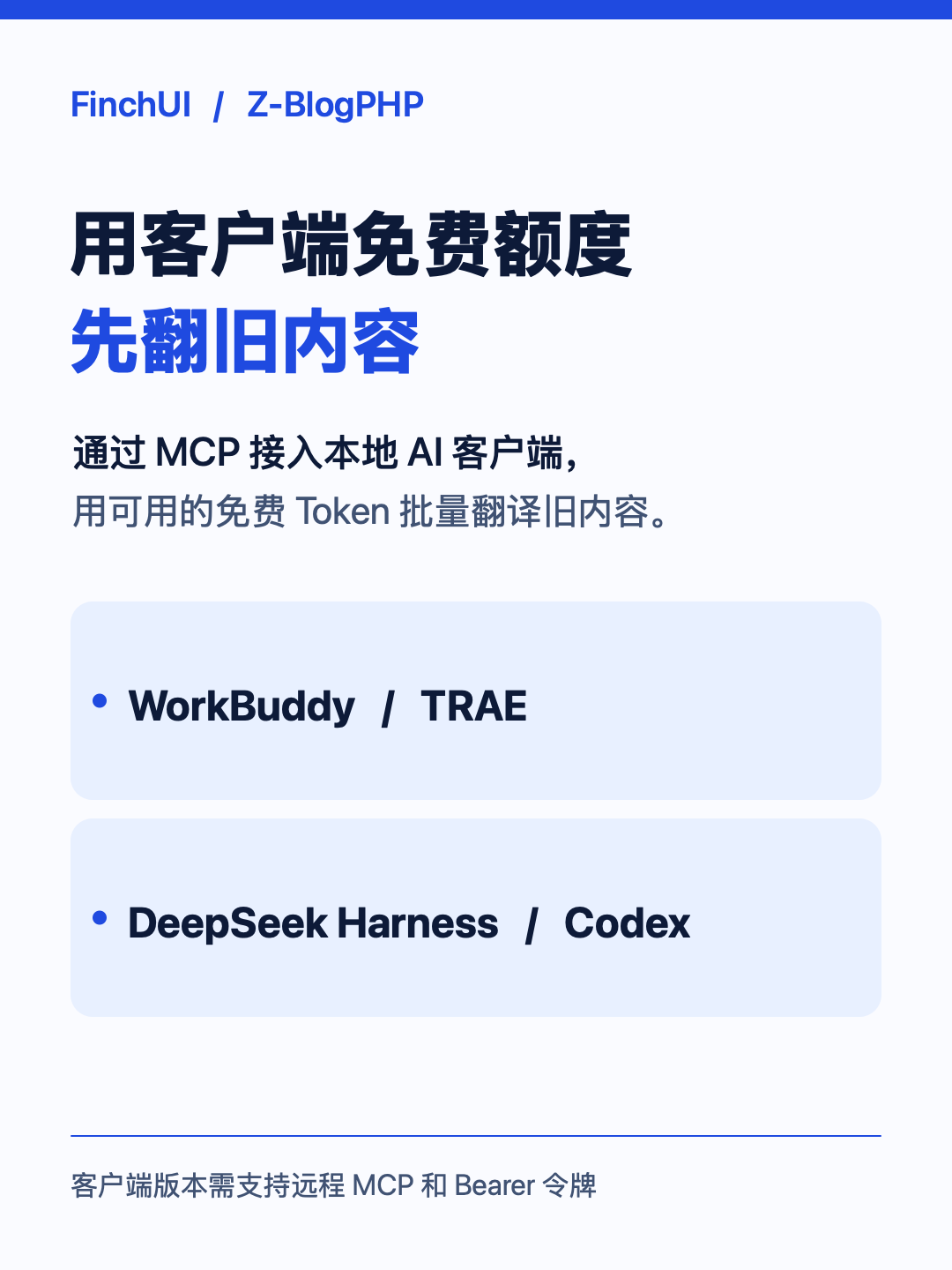
If you are already using it WorkBuddy, TRAE, DeepSeek Harness or CodexIf the account has free credits available, you can connect to the website through MCP, first turn to the homepage, core product pages, and key cases, and then process other public articles and pages in batches.
For example, to prepare a website for a new market, you can first say on the client side:
Warm up the target language translation on the homepage of the website first, and only translate the content that has not been cached.
AI translation and machine translation share the same translation cache.After flipping through the content, visitors can directly read the existing translation when they open the page. Subsequent release of new products, modification of service introductions, or if there is content that has not been turned over, it will be filled by the machine translation API.
The existing content can be turned in batches with the free amount on hand, and the machine translation API is mainly used for daily additions, updates, and fill gaps, reducing the cost of batch translation of old content at the beginning.
one Z-BlogPHP Websites that serve multiple language markets
FinchUI multilingual website plugin support 15 languagesIf you already have a Z-BlogPHP website, you can continue to use the existing theme, enable the desired language by target market in the background, and provide visitors with language switching in the foreground.
Different languages can be bound to different second-level domains.When sending emails, promoting or communicating with customers, you can directly share the corresponding URL, and customers can enter the language version that suits them when they open it. Plugins also support language subdirectories and independent domain names.
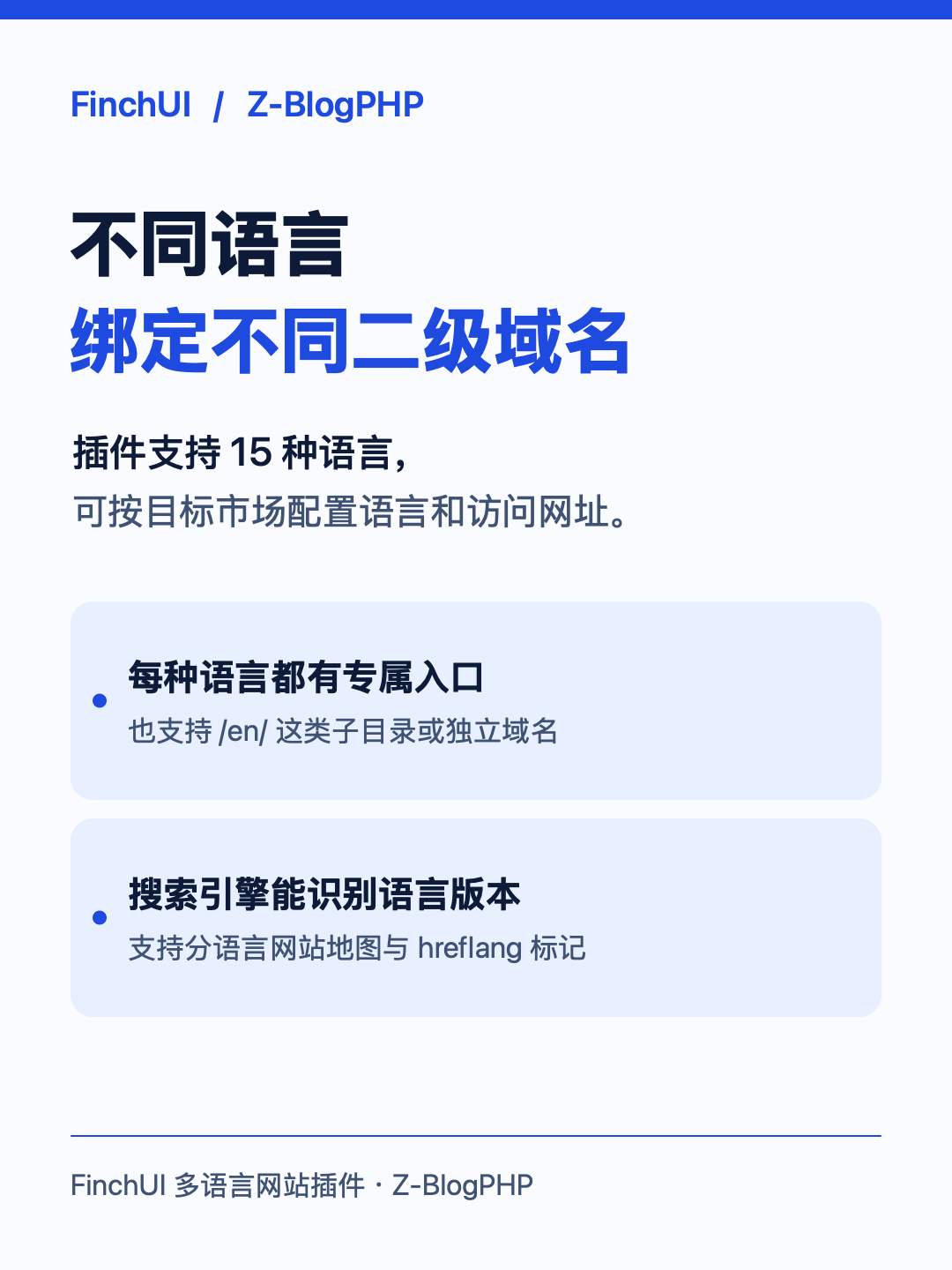
The plug-in can also generate XML sitemaps by language and add hreflang tags to help search engines recognize different language versions of the same page.
We already have a website. Where should we start?
You can first choose a language market that is ready to develop, and turn the homepage, product page and the content that customers see most often. Webmasters who have used the FinchUI multilingual website plug-in can open it in the background."Cache Management → AI Translation Cache Warm Up", follow the page prompts to connect to the client side.
Before accessing, the website needs to be used https, and configure the available machine translation services. The version used by the client side needs to support remote MCP and Bearer tokens. The free amount is subject to the actual available amount of the account.
If you are using Z-BlogPHP to make a business website, you want customers in different markets to understand your products, and you want to reduce the cost of translating existing content, you can pay attention FinchUI multilingual website plugin。








 Add customer service qq.

netizens commented