
Before sending the official account, will you still open Xiumi or 135?
I made a product tweet this time. After the text was written, I didn't go to the template library to find the subtitle or change the line spacing. I directly asked the AI to make the article into styled HTML, marking the position of the cover and two pictures. Copy the text to the background of the official account, upload the picture by location, and preview it with your mobile phone.
After finishing it, I remembered: I used to post a tweet, and I had to open several pages. Now, the links in the favorites are still there, and I can't remember when I clicked on a few last time.
A previous manuscript had to open a row of tabs
Anyone who has done new media has probably encountered this kind of afternoon: the manuscript is finally changed, and the group says it will be sent today. You go to Xiumi or 135 to find a title style, and then open the manuscript or Maker Post to change the cover. The event information sent by the leader is still a screenshot of the group, and you go to OCR to find out the date and address first.
Every website works well. The trouble is that you have to cut back and forth between documentation, typesetting, graphics, literacy, and the official account background. Sometimes an event time is changed, the text is changed, and the words on the cover have not been changed.
Take a look at this list. Are there any tools that you used to use a lot but don't open much now?
Official account layout Xiumi, 135 editor, i typesetting, new list editor
Cover, poster and retouch Draft Design, Maker Post, Canva Paintable, Meitu Show, Photoshop
Find pictures and icons Petal Net, Thousand Pictures Net, Station Kuhelo, Unsplash, Iconfont
Find hotspots and look at data Baidu index, WeChat index, new list, watermelon data, fly melon data
Cut short videos and animations Jianying, Quick Clip, Premiere Pro, ScreenToGif, Ezgif
Organize the topic selection and process Curtain, XMind, Graphite Documentation, Tencent Documentation, ProcessOn, Emap
Extract text and convert files Line drawing, Tianruo OCR, online OCR website, Smallpdf, iLovePDF
Review and report iSlide, Showbiz, Youpin PPT, PowerPoint, WPS Presentation

The first thing to save is to arrange the regular draft for the official account
In the past, just picking a dividing line could turn a few pages. Now for a regular event trailer, product update or experience sharing, I will directly give the text and typesetting requirements to the AI: use a unified style for the subtitle, add a light base color for the reference, and leave a mark for the position of the picture. Open the generated HTML, copy the style to the background, and then upload the picture.

To achieve brand topics and fixed columns, I already have mature templates at hand, and the editor is still convenient. What makes me feel the biggest change is that I used to click on an ordinary tweet, but now I often don't remember it until I finish sending it.
To do the cover, start asking AI first.
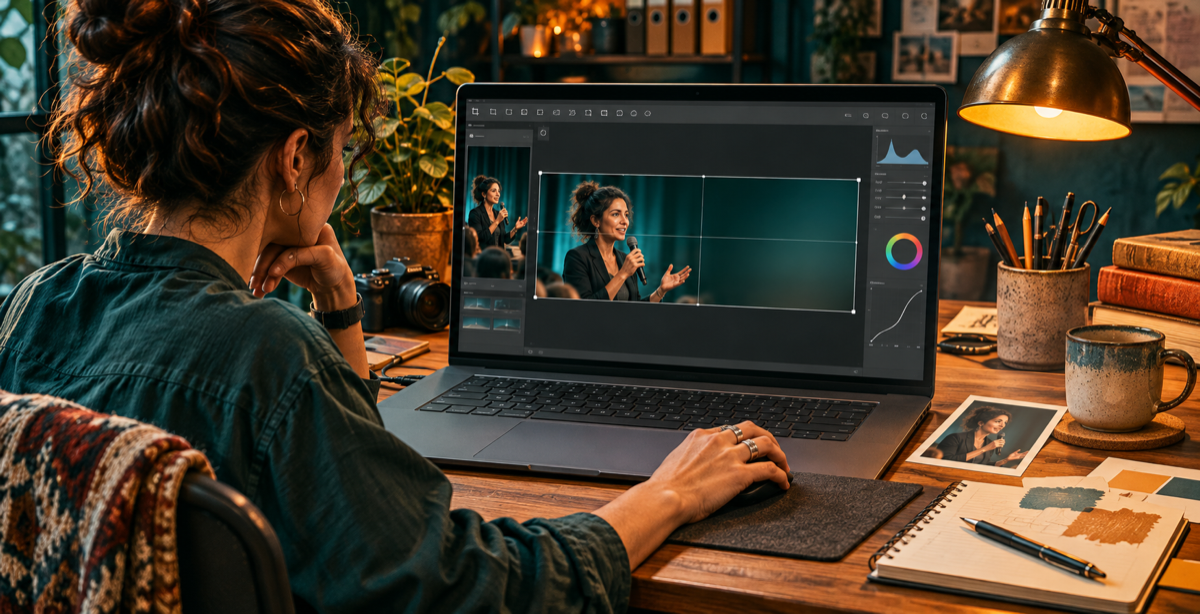
For example, if I want to post an activity review in the afternoon, the most suitable photo in my hand is a vertical image. In the past, I would open Photoshop, widen the canvas, find a way to fill the background, and then find a place for the title to put words. Now I will hand the picture to the AI and say, "Expand it into a horizontal image, don't move the face, and leave the right side for the title" to see if it can be used.
Temporary community maps, cover changes, and removal of debris from the edges of the screen are often turned over. To make a complete set of branding materials, follow the company's template, or refine a product image, I will still go back to the original tool.
Small websites that only take two minutes are easier to forget
Someone in the group sent a screenshot of the event notification. I used to download the picture, send it to the OCR website, copy the text, and then go back to the document to rewrite. Now I directly send the screenshot and the task to the AI: "Extract the time, place and registration method, and organize it according to the format of the official account notice." Finally, check the original picture, especially the date, house number and registration information.
The same is true for topic selection. In the past, it was possible to open the curtain and make an outline first, and then move it to the document to write. Now you can put the interview record and topic selection requirements into the same conversation, list a few angles first, choose one and then write down. The long-term accumulation of question selection banks will still need to be specially managed, but in order to temporarily sort out a manuscript, there may not be another window.
What has really changed is the first step
In the past, when I received a job, I would first think about: where to go for typesetting, what to do with the picture, and which website to transfer the screenshot to. Now, I will first make it clear who this content is sent to, when it is sent, and what materials are in hand, and then see which step requires opening the tool separately.
The manuscript still has to be checked by yourself, and the official account background still has to go in. Just when it was time to click "publish", I took a look at the browser, and it turned out that a few less tabs were opened today.
Do you feel this way too? The website that used to be opened for every tweet, when was the last time you used it?



 Add customer service qq.

netizens commented