
 914466480








gatheredwebsite tagVarious ways to play modules!
generatedhot Tags、random tag、Latest labelandrelated tagsFour sidebar modules display multiple special effects (tag cloud, random tag background color). displayTag Archives、Label inner chainandTag introduction, delete tags that are not associated with articles with one click.
Focus on relevant tags, which can be displayed in the sidebar of any page.
When the article page is displayed, relevant tags are called based on the tags used by the article. If the article has no tags, the relevant tags are called based on the article title.
When a list page is displayed (category page, tab page, date page, author page), relevant tags are called based on the title of the current page.
When the search page is displayed, relevant tags are called based on the search keywords.
If no relevant label is found, the relevant label module will be hidden.
If the topic you use does not have a sidebar, you can also display related tags at the bottom of the article body.
Personally, the most valuable thing about this plug-in is the relevant tags.
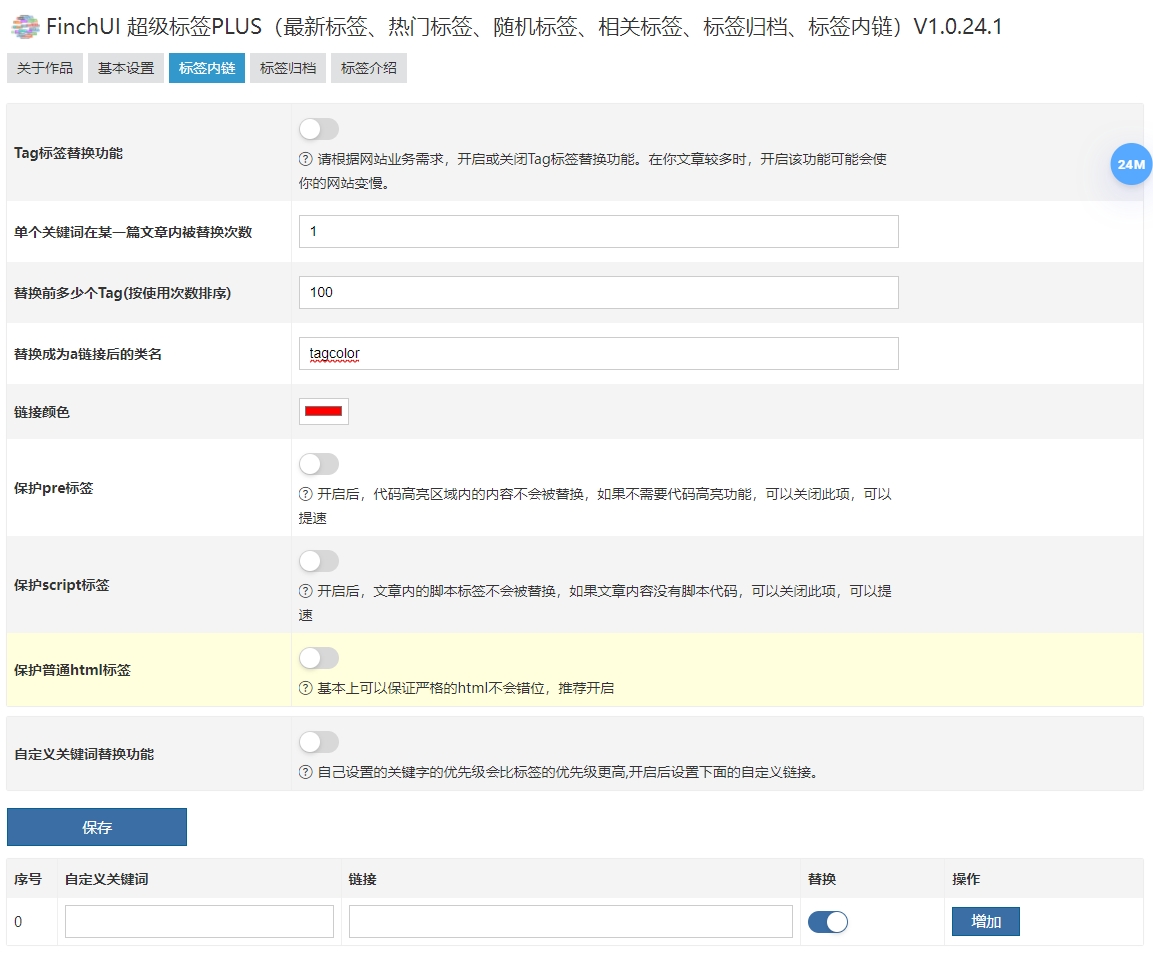
Let's talk about intra-tag links. If a website tag appears in the body of the article, the link to the current tag will be added, and you can set the color of the link in this tag.
In addition to the website's tags, you can also customize keywords and links and replace them in the Chinese article.
If you don't need relevant tags and tag links, you can consider our plug-in:
"FinchUI Super Tags (Latest Tags, Popular Tags, Random Tags, Tag Archive)"
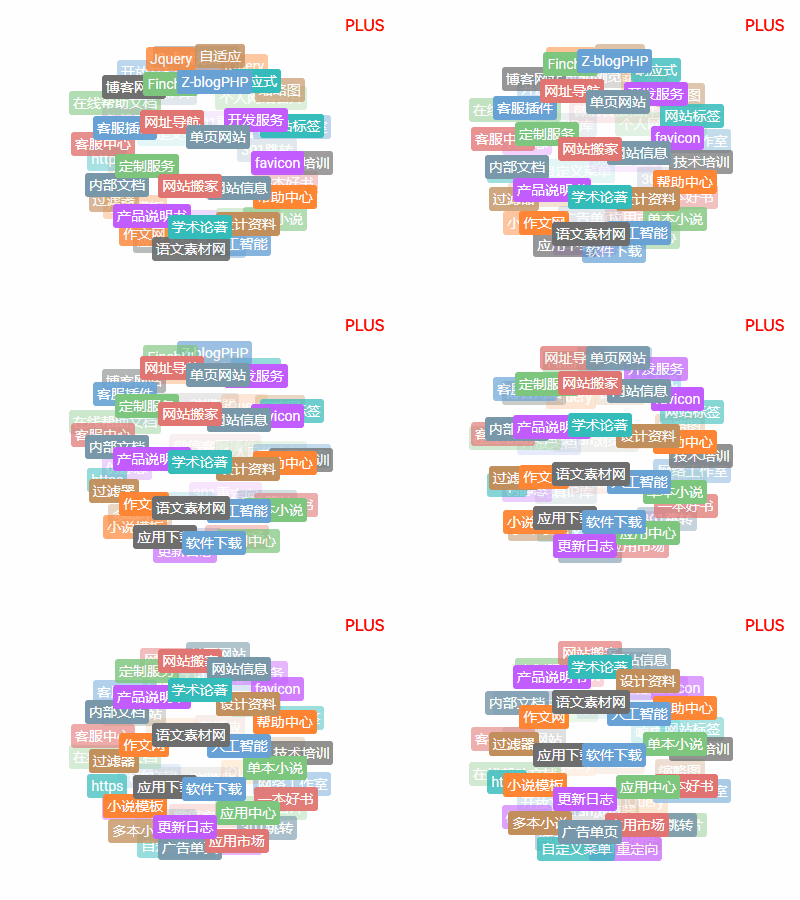
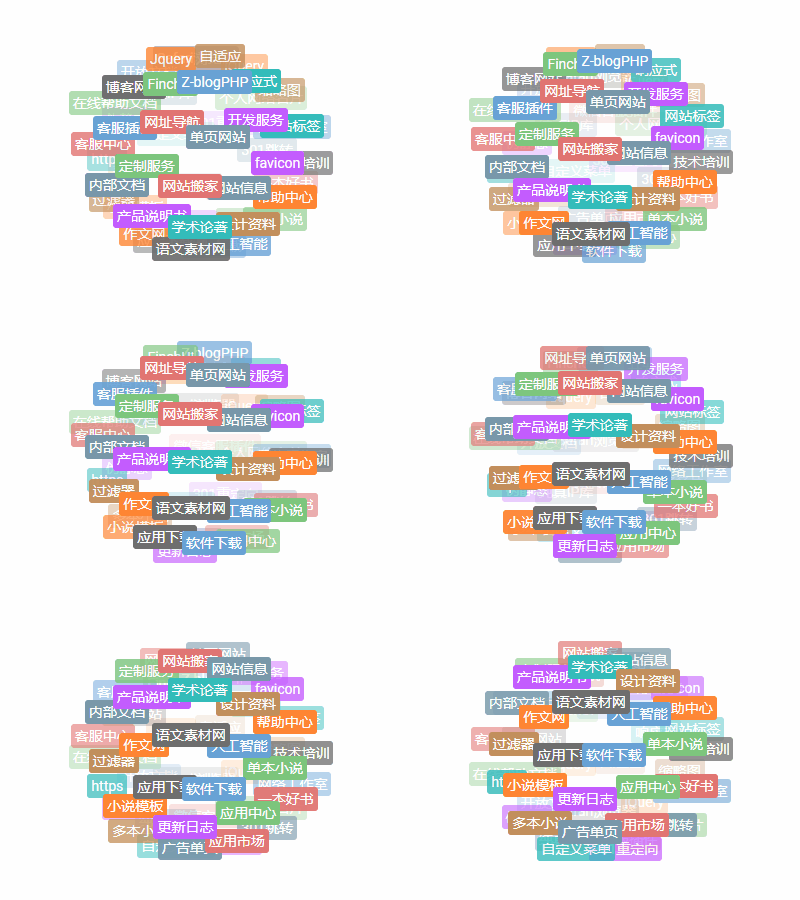
Open this plug-in and you will have four sidebar modules.
They are the latest tags, popular tags, random tags, and related tags.

They all support three display styles respectively.
effect 1
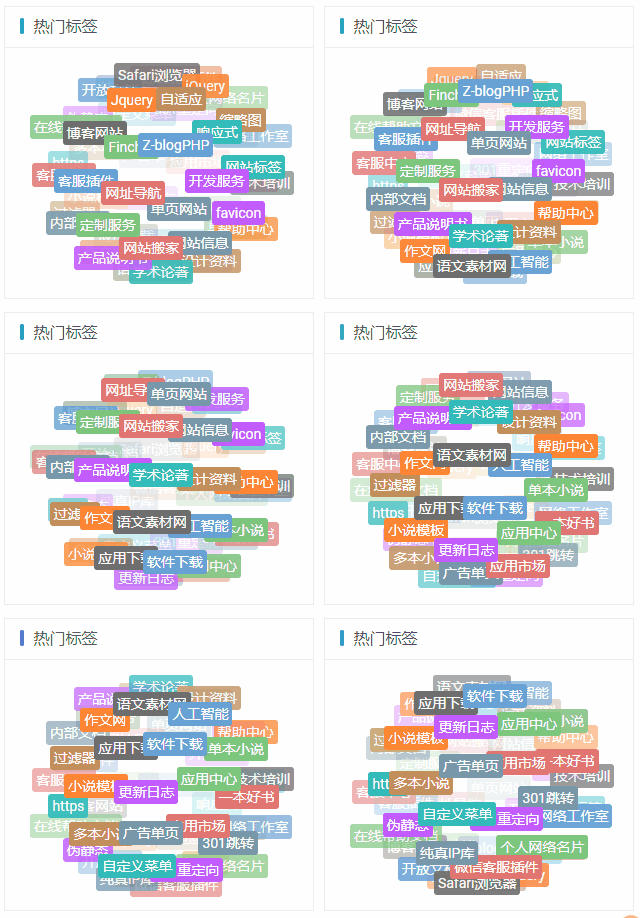
Effect 2
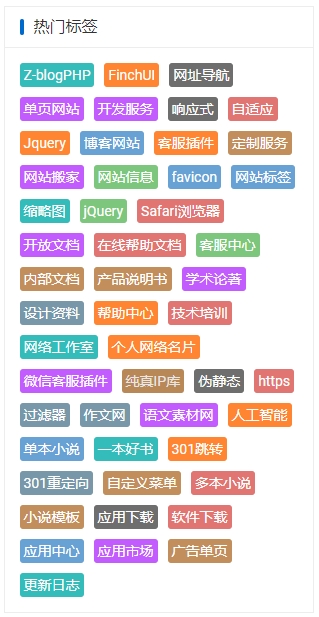
Effect 3
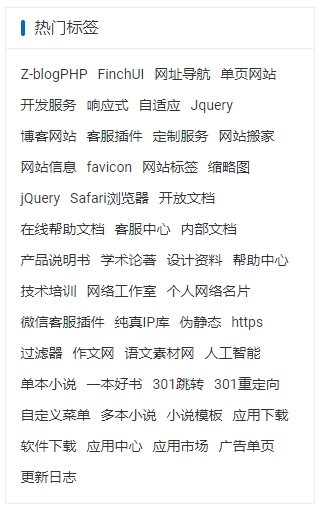
Attention! The latest tags, popular tags, random tags, and related tags all support these three display styles and can be set separately.
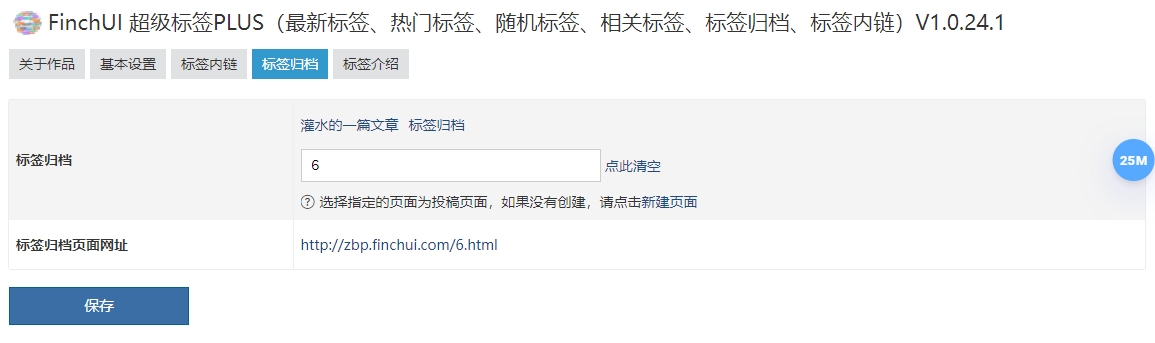
You will also have a tab archive page, refer to the links below.
https://en.finchui.com/tag-archive.html
The label archive page supports displaying all labels of the website and sorting them according to pinyin initials. If the number starts, it will be displayed before the letter.
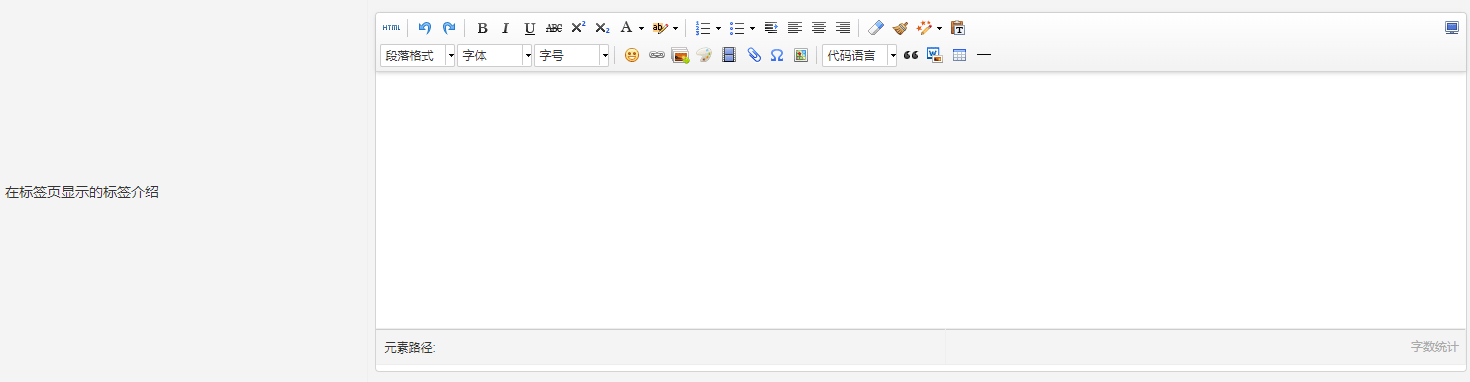
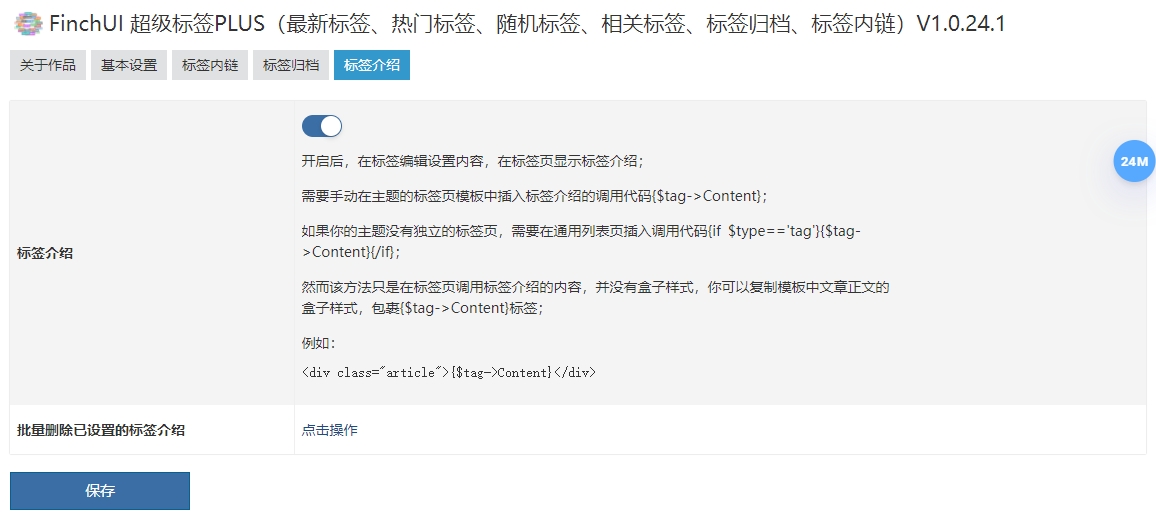
You can also set label introductions in label editing and insert label introductions into the label list page.
Each label can be set separately.
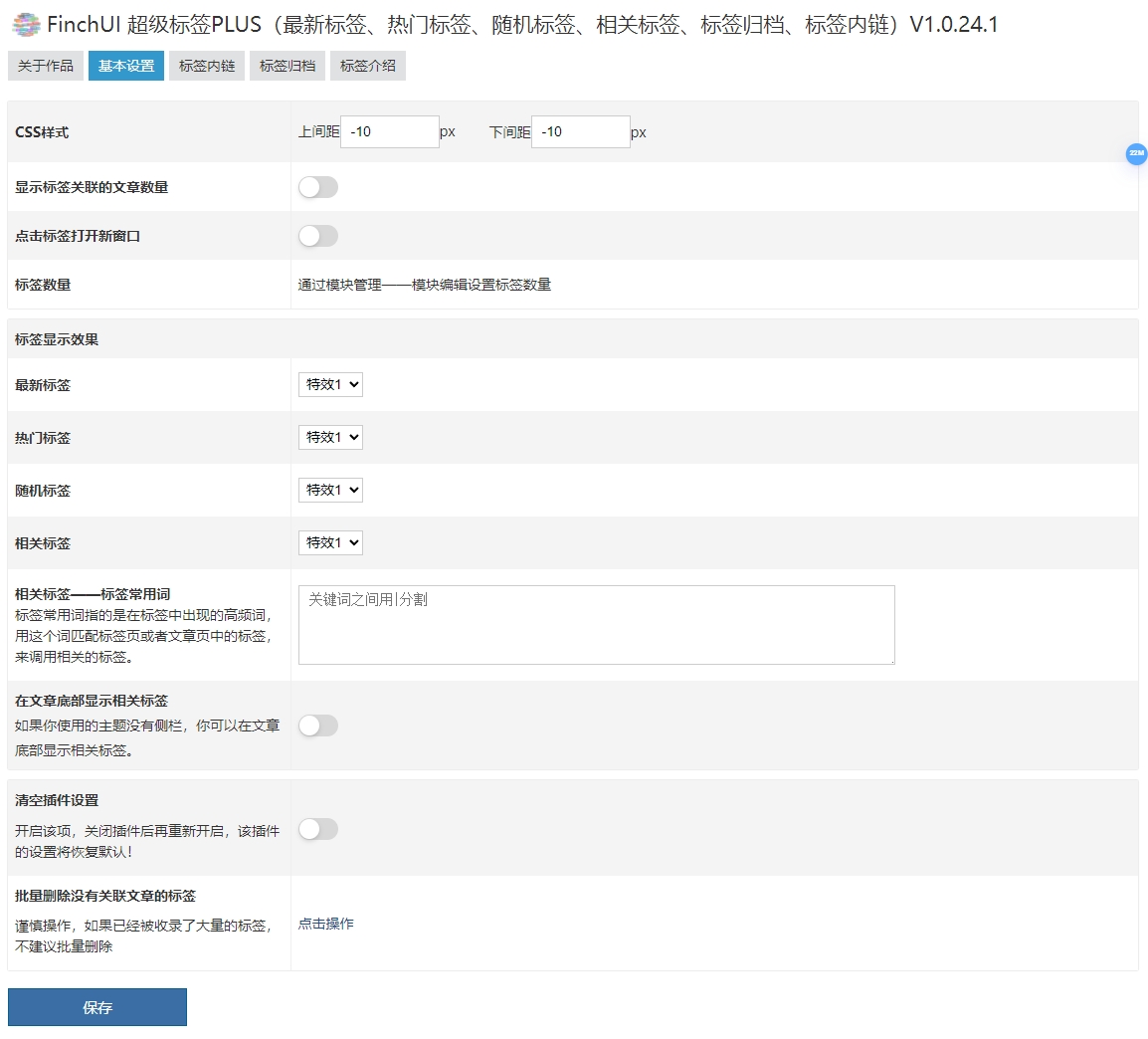
Screenshots of plug-in functions
The following are screenshots of the website's backend, plug-in management, and plug-in functions:









 Add customer service qq.