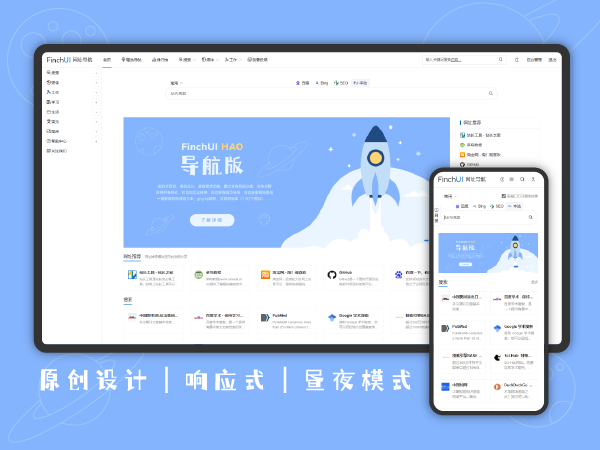
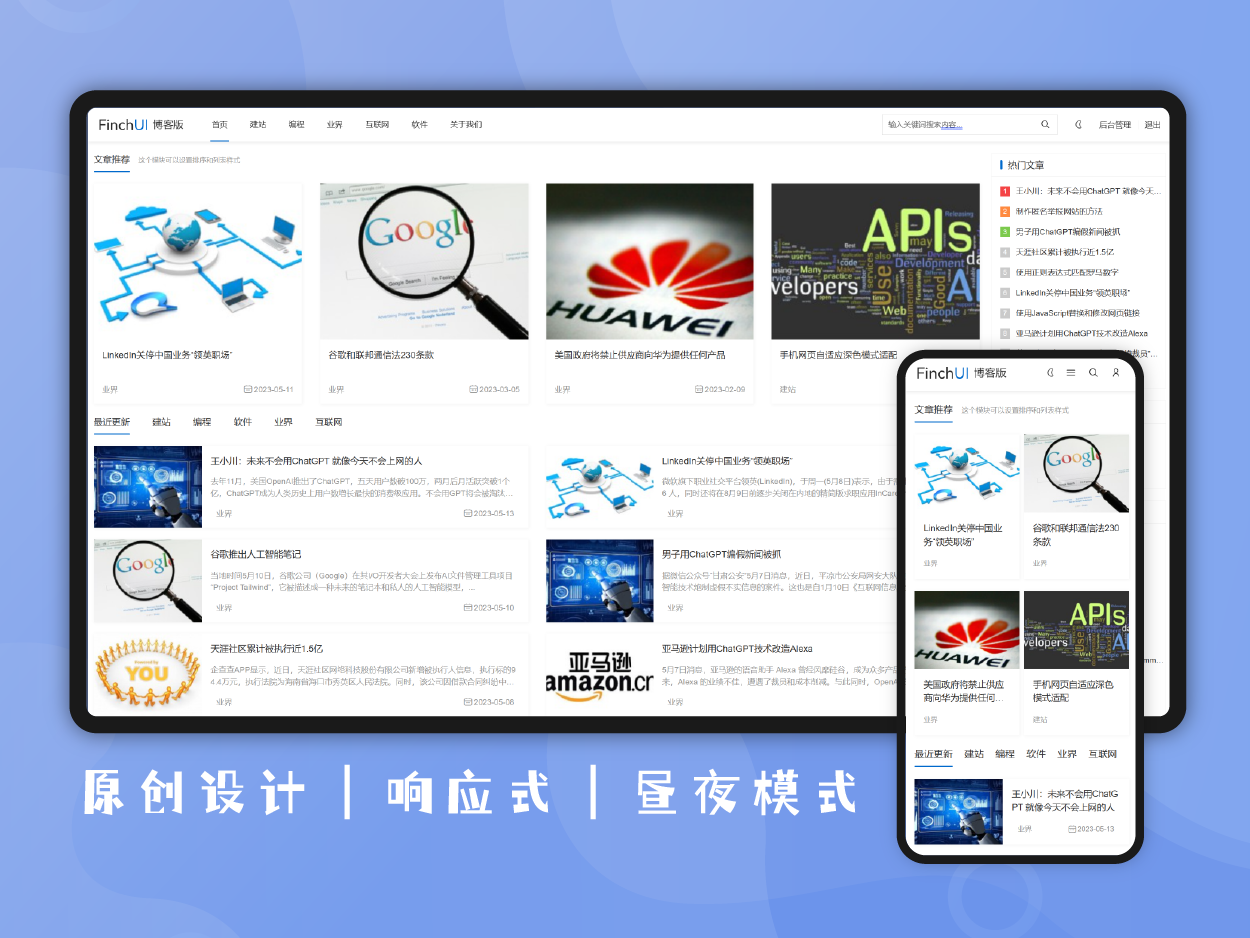
• introduced
  • parameters
  • update log
  • evaluation
  • guide

FinchUI Article Directory Navigation (fui_toc) is a Z-BlogPHP plug-in from the FinchUI series that can automatically parse article titles and generate a true tree-like nested directory. Supports three display styles: simplicity, border card, and floating sidebar. You can freely configure the title level, automatic numbering, default folding, scrolling highlighting, and insertion position.

The styles follow the FinchUI 2.0 design specifications, with built-in dark mode adaptation-you can automatically switch by adding `.fui-dark` to the outer container.

A color selector is provided in the background to customize the color matching of titles and links in light mode.

Frontline interactions are driven by pure native JS and do not have any third-party dependence.


Work upgrade log

https://en.finchui.com/showcase/fui_toc_changelog.html


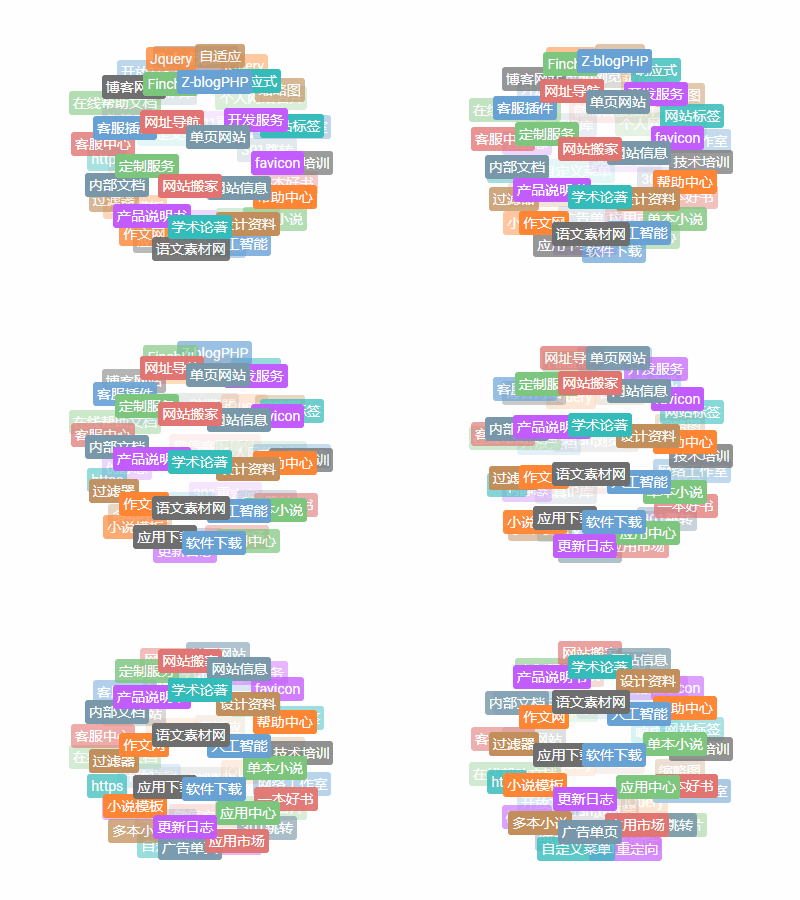
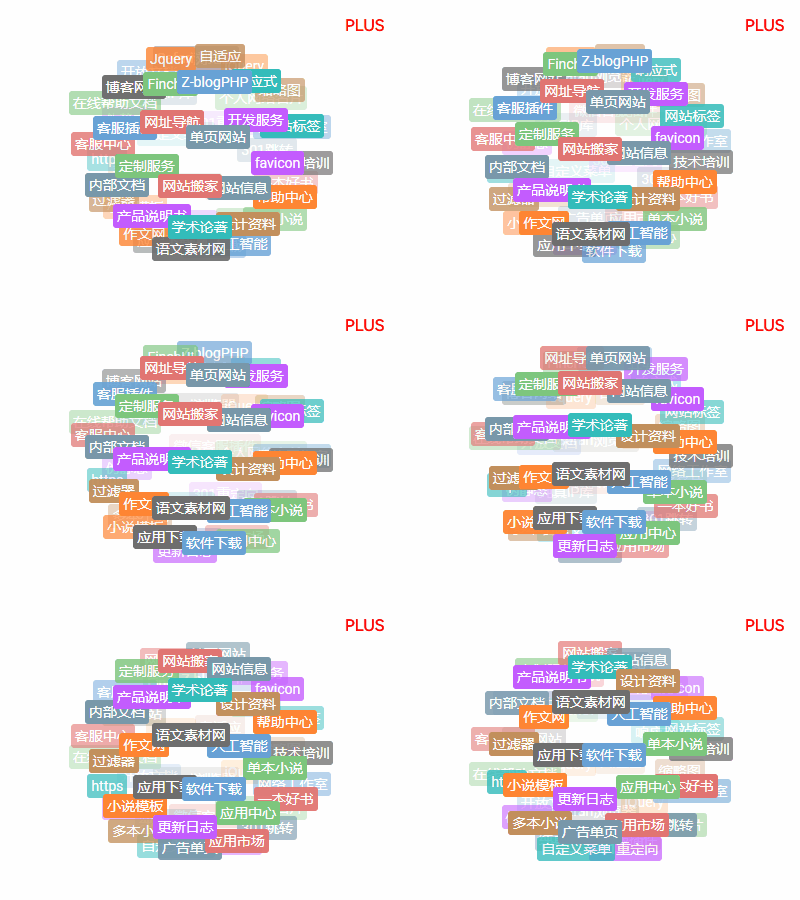
Plug-in front-end effects

If the current page displays, a border style is used.


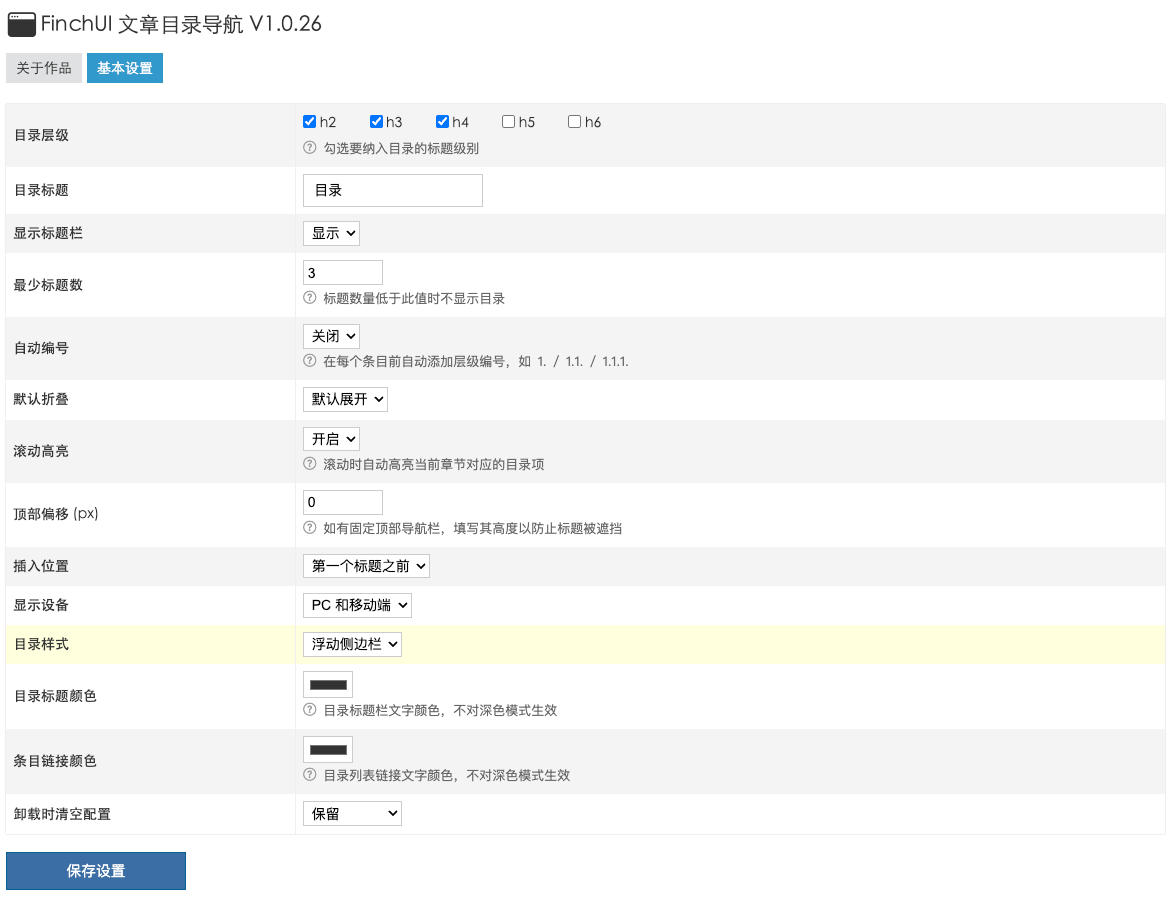
Plug-in settings screenshots

basic settings

directory generation

Automatically parse article titles to generate true tree nested directories
  • multilevel nested directory

    True ul/li tree structureThe child bar currently displays the < unk > hierarchy symbol

  • Free choice of title hierarchy

    Support h2~ h6Multiple choice combinations, flexible configuration

  • unique anchor ID

    Automatically generate the id attribute for the titleAutomatically append -2 and -3 to the same title to avoid conflicts

  • minimum title threshold

    Directory is not displayed when the number of titles is lower than the set valueAvoid redundant directories in short articles

  • Automatic numbering

    Optional display level numberingFormat: 1./1.1./1.1.1.

  • insert position

    article topAfter the first paragraphBefore the first title

  • Display Device Control

    PC and mobile end display simultaneouslyDisplay only on PCOnly mobile end display

Catalog style

Three display styles, following the FinchUI 2.0 design specification
  • Minimalist style (simple)

    No background No borderThin line separator below the title barIncorporate text typesetting

  • Border card (boxed)

    Follow the surface background of the themerounded borderTitle Bar Blue Bottom Line

  • Floating sidebar (floating)

    Fixed on the right side of the pageRemains visible as the page scrollsSmall screen automatically returns to inline mode

  • Dark Mode

    Follow FinchUI 2.0 Dark SpecificationOuter layer plus .fui-dark automatic switching

  • Custom color scheme

    Background Color Picker Set Title ColorBackground Color Picker Set Link ColorDoes not affect dark mode

interactive function

Pure native JavaScript driver without any third-party dependencies
  • Fold/unfold

    Click the title bar to switchSupport Keyboard Enter/Space operationDefault folding can be set

  • Scroll Highlight

    Tag the current chapter in real time while scrollingFloating sidebar mode works bestCloseable

  • smooth jump

    Click on an item to smoothly scroll to the corresponding titleSupport fixed top bar offset configuration

  • Accessibility support

    ARIA attribute annotationKeyboard focus style

t like0
version number
1.0.4
work ID
fui_toc
Author's official website
https://en.finchui.com/
procedural requirements
1.7.2
PHP version
5.6
package size
169.19 KB
  • 202609-30

    v1.0.4

    Adapt FinchUI light and dark mode, unified directory theme style.

    • optimizeDirectory text, background, borders, rounded corners, and scroll bars are plugged into FinchUI theme variables to automatically follow light and dark modes.
    • changeThe background custom title color and link color are changed to directory local variables, and the frame theme color scheme is preferred in dark mode.
    • safetyAdd hexadecimal color format check before outputting custom colors in the foreground.
  • 202609-05

    v1.0.3

    The directory style is loaded on demand to improve configuration entry protection and operational compatibility.

    • optimizeLoad directory styles only when the article directory is actually generated, and avoid duplicate output.
    • repairDirectory anchor generation no longer occurs when the mbstring extension is not installed.
    • safetyThe configuration page verifies that App Center or Finch Store is enabled after administrator authentication.
    • changeComplete the packing list of application identity, compatible environment, price, and update summary.
  • 202603-13

    v1.0.2

    Restrictions on directories only take effect on article pages

    • repairDirectory plugins now only work on article pages, and standalone pages (pages created by page management) no longer generate directories
  • 202603-07

    v1.0.1

    first release

    • newfirst release

guess you like

Share

Copy Link
Working hours: 9:00-22:00
Saturday and Sunday: 14:00-22:00
wechat
Scan the code to add customer service WeChat