
![Sparrow-Add customer service WeChat-Keep reminding someone to add friends [ZBlog version]](https://www.finchui.com/zb_users/upload/fui_store/20230528174221916.png "Click to enlarge the picture")
 914466480



Insert QR code customer service section, WeChat customer service section,enterprise WeChatThe customer service section and prompts someone to add customer service WeChat.
Customer service information can be set separately for specified articles and pages.
Customer service information can also be set separately for specified categories, and after setting, it will take effect in all articles published in that category.
You can turn on blocking spiders from mainstream search engines from seeing customer service information (this feature will not affect the normal inclusion of websites, blocking spiders from seeing customer service information is more conducive to SEO).
demo site
https://en.finchui.com/addwechat/
Please visit the display through your PC and mobile phone respectively!
update log
https://logs.finchui.com/zbp-plugin/21.html
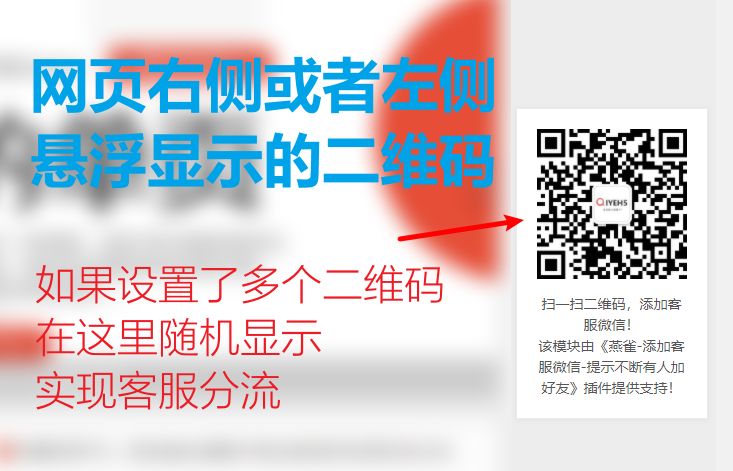
1. The QR code customer service section displayed floating on the right or left side of the webpage.
This section is only displayed in the pc version. You can set QR code pictures and prompt text separately for specified articles.
You can set 1 to 5 QR code pictures (QR code pictures are displayed randomly) and text that prompts users to scan codes and add WeChat.
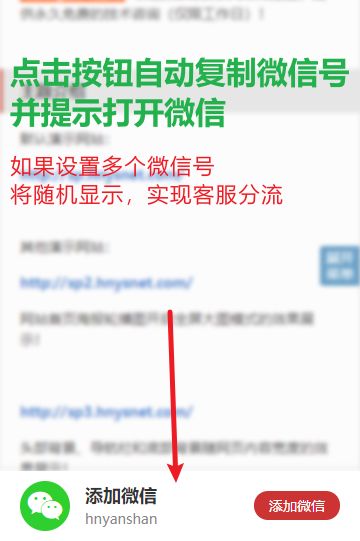
2. The micro-signal customer service section displayed suspended at the bottom of the webpage.
This section is only displayed on the mobile terminal, and designated articles can be individually treated with WeChat signals.
The Add WeChat button is displayed. Clicking the button will automatically copy the WeChat signal and prompt to open WeChat.
Multiple micro-signals can be set, and the micro-signals are displayed randomly.
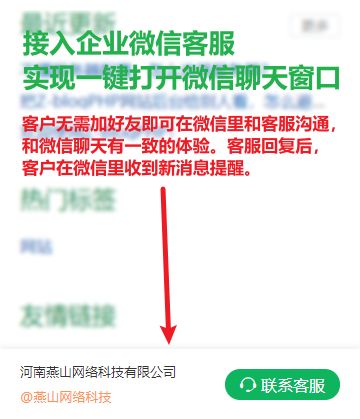
3. Enterprises suspended at the bottom of the pageWeChat customer serviceSection.
This section is only displayed on the mobile side, and designated articles can be used separately for corporate WeChat customer service.
Connect to corporate WeChat and open the chat window with one click
4. Display the WeChat customer service section at the top or bottom of the article body.
Specified articles can be handled separately by WeChat signals.
The Add WeChat button is displayed. Clicking the button will automatically copy the WeChat signal and prompt to open WeChat.
Multiple micro-signals can be set, and the micro-signals are displayed randomly.
5. Display the WeChat customer service section at the top or bottom of the article body.
Specified articles can be used separately for corporate WeChat customer service.
Connect to corporate WeChat and open the chat window with one click
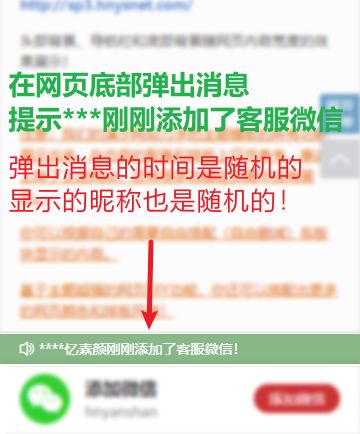
6. A message pops up at the bottom of the webpage, reminding that *** customer service WeChat has just been added.
Suggest that user projects are very popular! Customer service WeChat has been added to the explosion!
A message pops up at the bottom of the page informing you that someone has just added customer service WeChat, psychologically implying that our project is very popular, so add customer service WeChat quickly.













 Add customer service qq.