

 914466480

Provides Weixin Mini Programs API interface for the Z-BlogPHP blog system, which is used with native Weixin Mini Programs.
This plug-in is a management program on the back end of Mini programs and provides an api interface for Mini programs.
After you purchase the plug-in, please contact the author to obtain the source code of the Mini programs. I will tell you how to use the source code of the Mini programs.
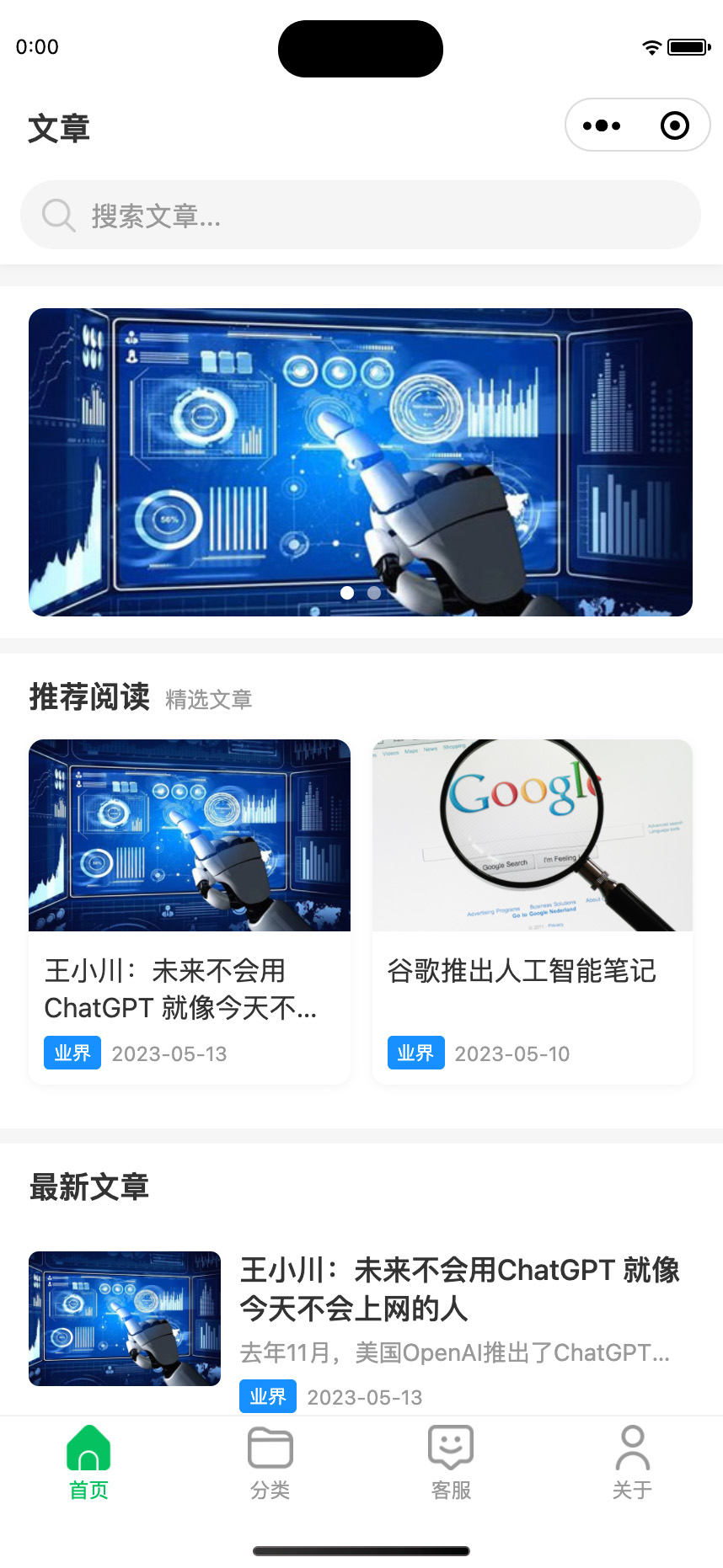
Mini programs home page
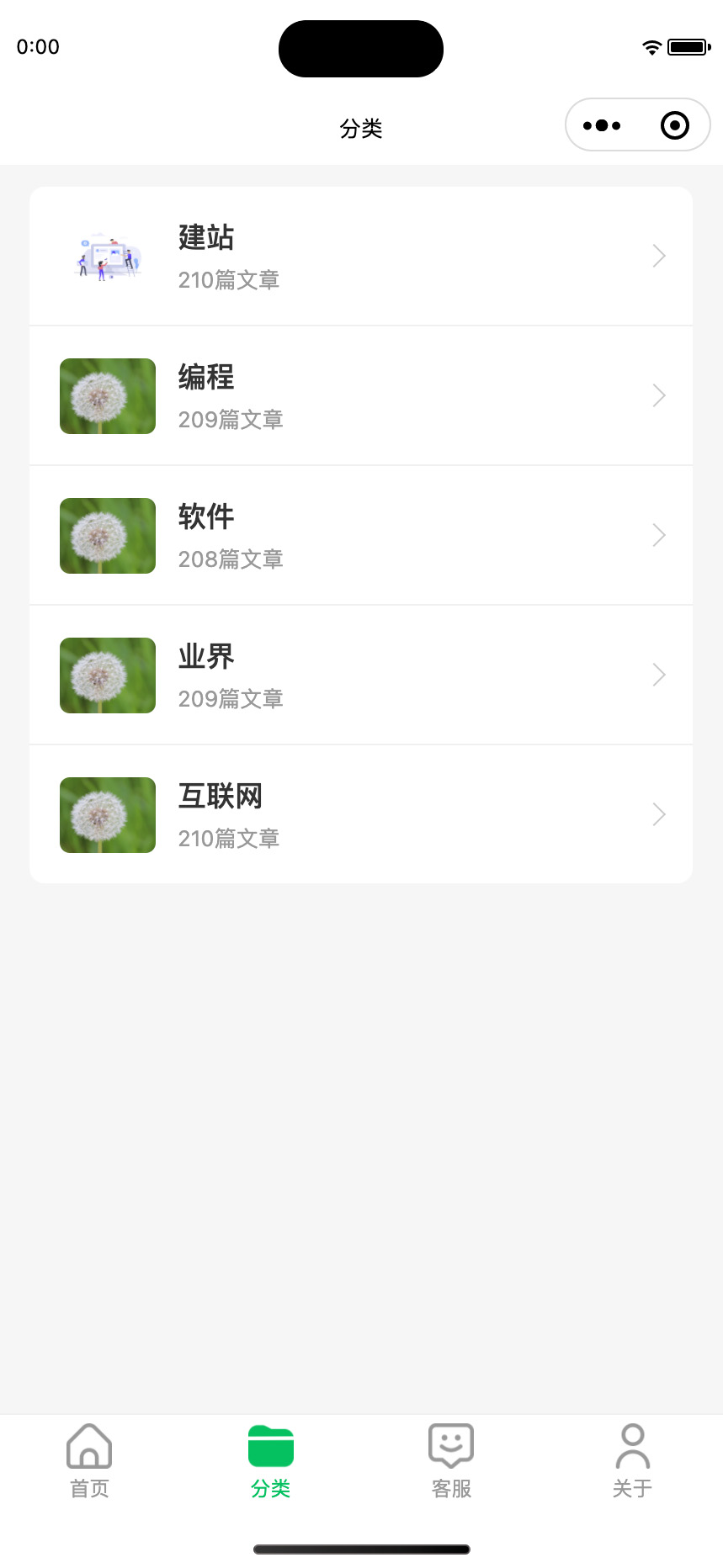
Mini programs classification page
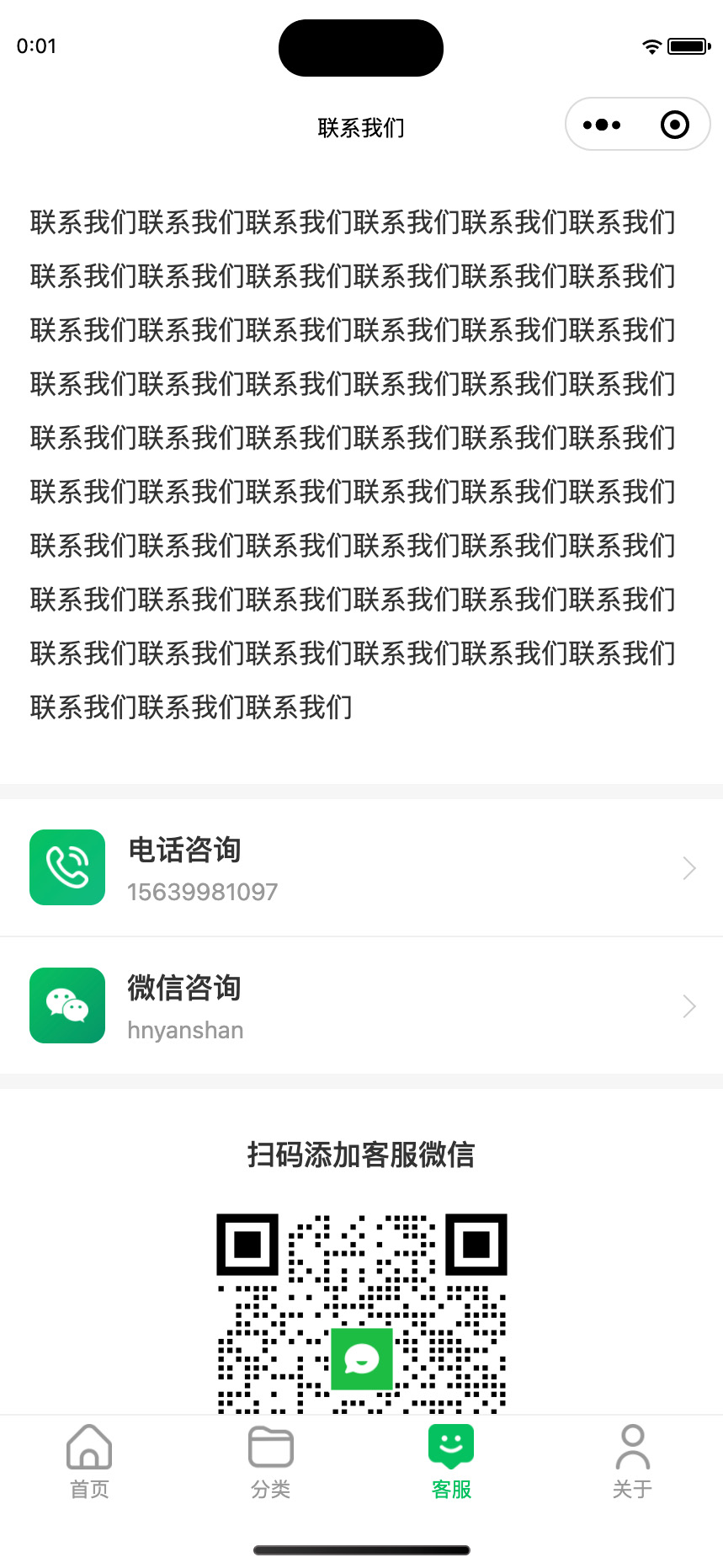
Mini programs customer service page
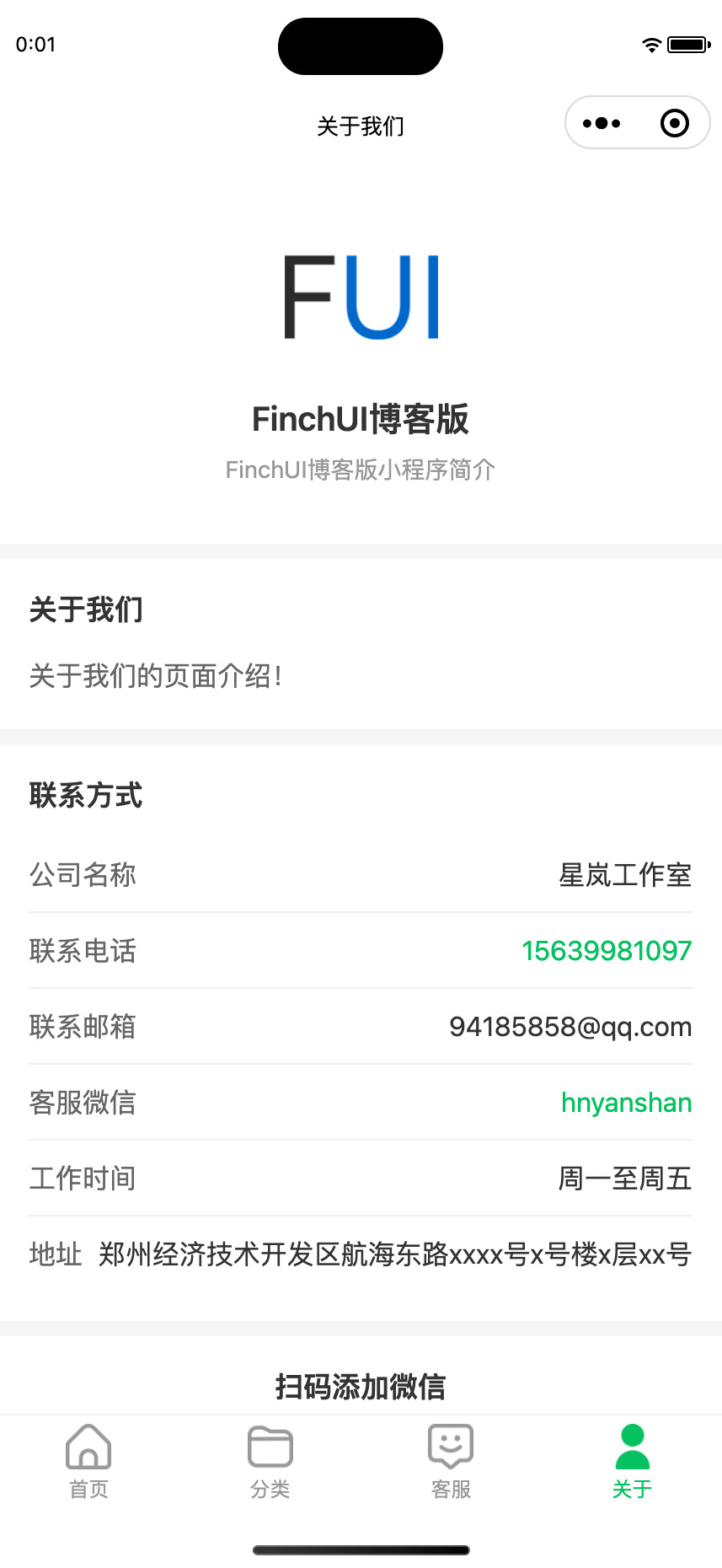
Mini programs About us
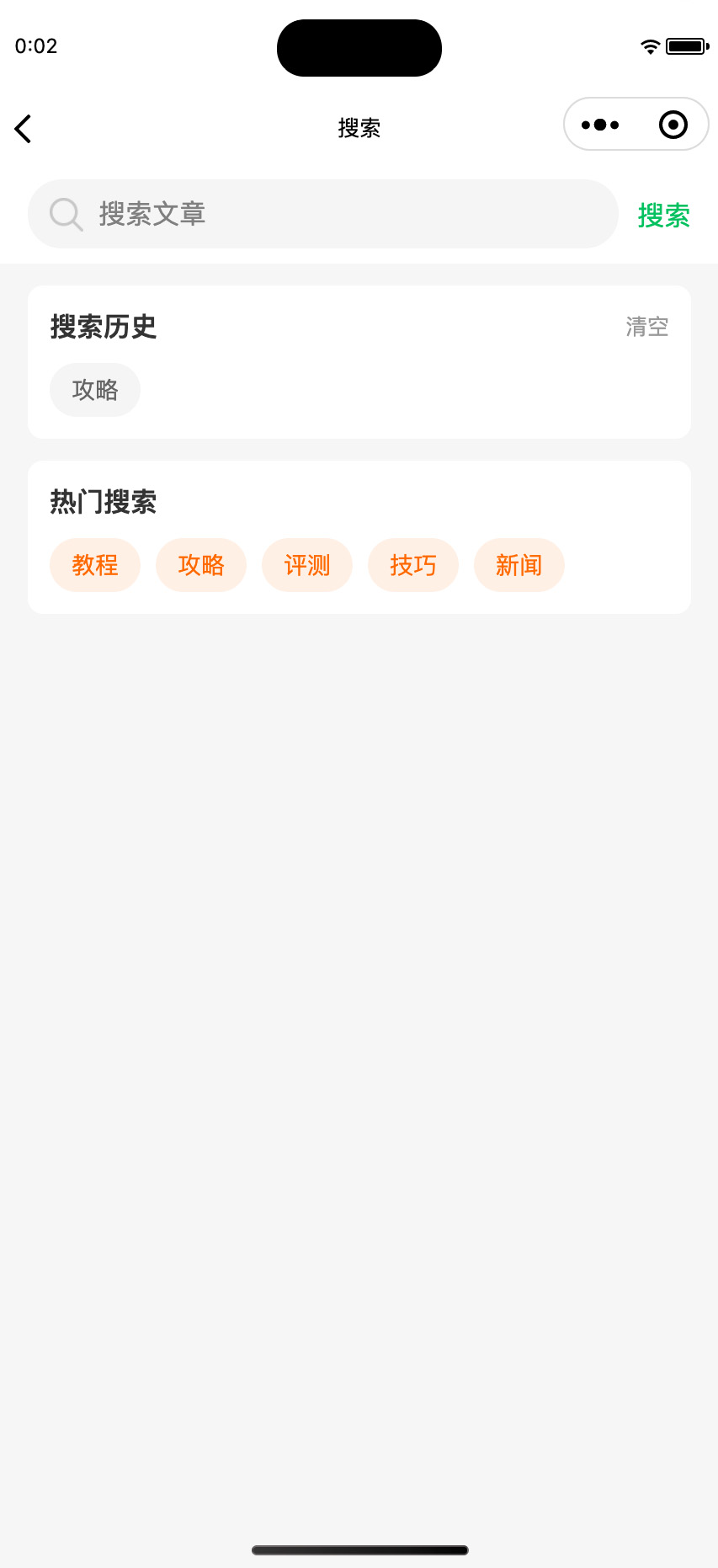
Mini programs search page
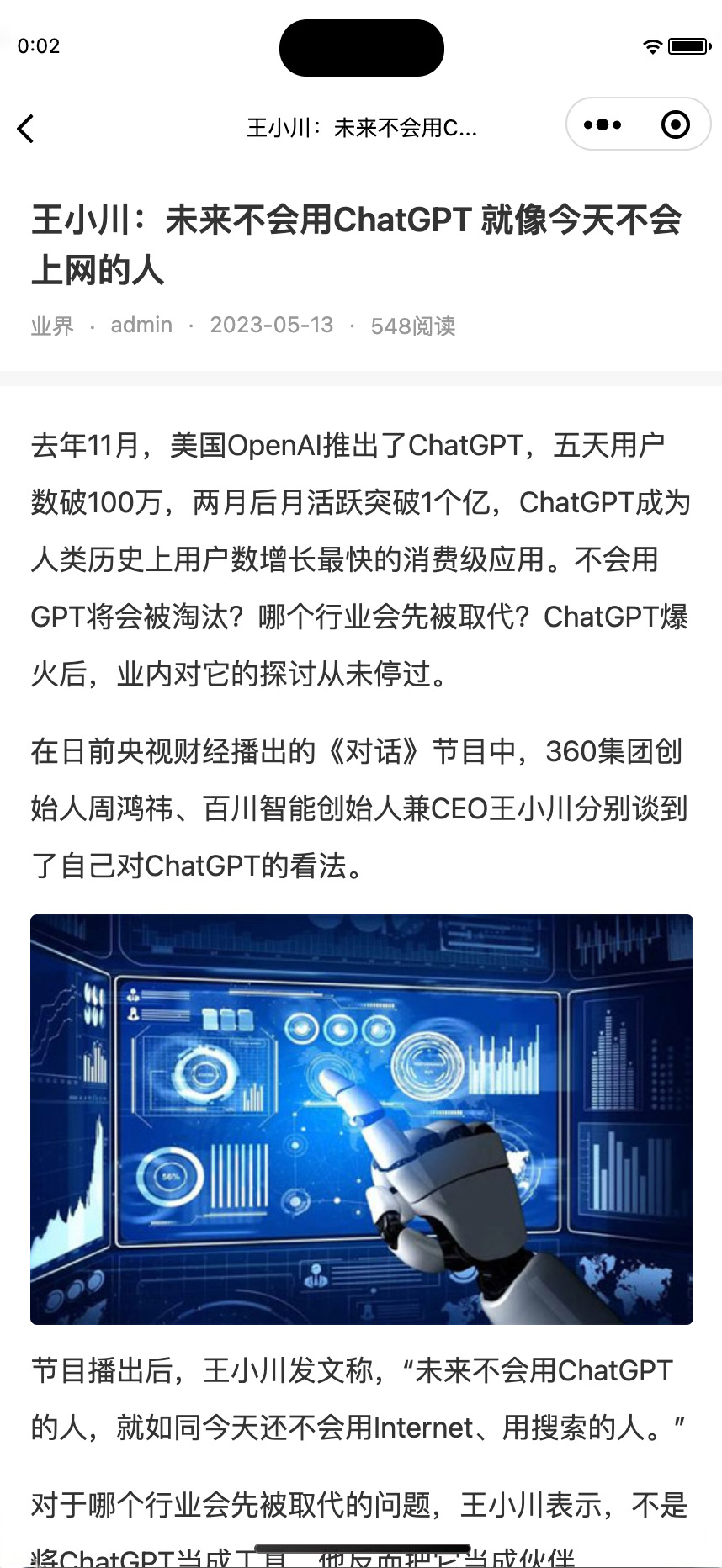
Mini programs details page
Functional characteristics
🔌 RESTful API: Provide complete data interface
🔐 Token verification: Secure interface access control
📱 Native Mini programs: Supporting WeChat native Mini programs project
⚙️ visualization configuration: Rich background management options
📂 categorization menu: Support multi-level classification tree structure
💬 Customer Service Sheet: Customize customer service page content
🖼️ picture management: Logo, cover, shared picture configuration
🔧 maintenance mode: One click to activate maintenance status
Installation method
1. Through the Z-Blog website backendApplication CenterGet the plug-in.
2. Enable plug-ins in Z-BlogPHP backend "Plug-in Management"
3. Enter "Mini programs Configuration" to set up
4. will wx_native Import WeChat Developer Tools into Mini programs projects
ˇBackend configuration instructions
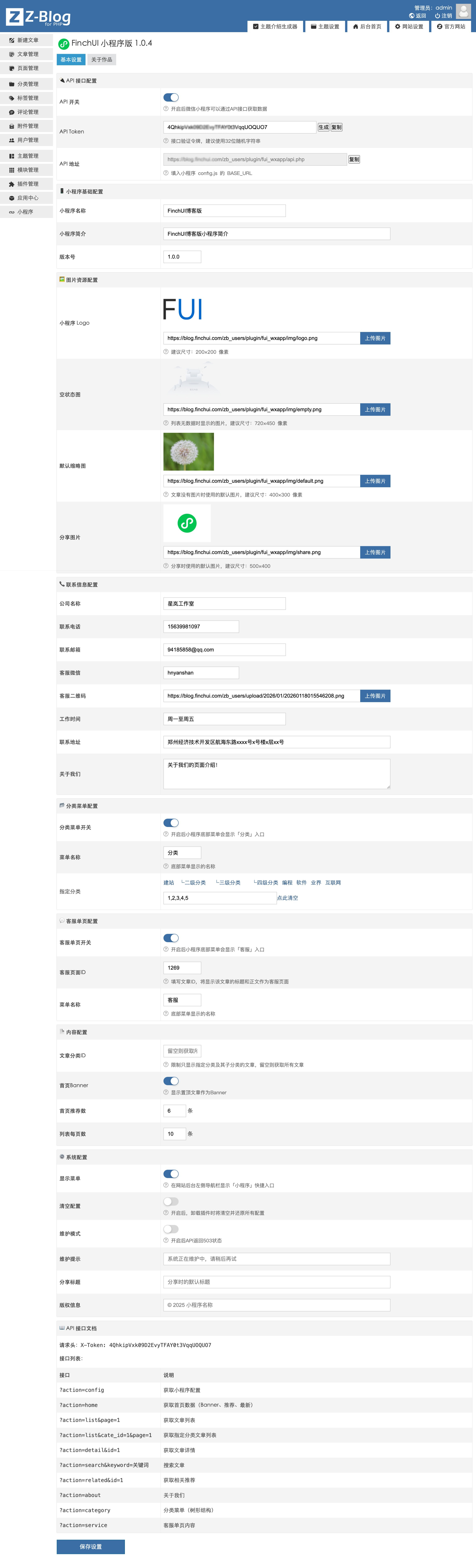
API interface configuration
API switch: Enable or disable the API interface
API Token: Interface verification token, supports automatic generation of 32-bit random strings
API address: Automatically generated and filled in the configuration files of Mini programs
Basic configuration of Mini programs
Mini programs names: Leave blank to use website name
Introduction to Mini programs: Introduction in one sentence
version number: Version identification of Mini programs
Picture resource allocation
Mini programs Logo: Recommended size 200×200 pixels, navigation bar displays
empty state diagram: Recommended size 720×450 pixels, displayed when there is no data in the list
defaultthumbnail: The recommended size is 400×300 pixels. Use when there is no picture in the article
share pictures: The recommended size is 500×400 pixels, and the map is shared by default
Category menu configuration
Category menu switch: After opening, the "Classification" entrance appears at the bottom
menu name:custom menuDisplay name, default to "Classification"
specified classification: Select the category to display and leave blank to display all categories
Customer service single page configuration
Customer service single page switch: After opening, the "Customer Service" entrance will be displayed at the bottom
Customer Service Page ID: Fill in the article ID to display the title and body of the article
menu name: Customize the menu display name, default to "Customer Service"
Contact information configuration
Support configuration: company name, contact phone number, contact email, customer service WeChat, customer service QR code, working hours, contact address, about us introduction
content configuration
Article Category ID: Limit the display of only articles in the specified category, leave blank to get all
home Banner: Display Banner recommended articles
Number of recommendations on the front page: Number of recommended reading articles
List per page: Number of list pages
system configuration
display menu: The navigation on the left side of the background displays the shortcut entrance for "Mini programs"
Clear configuration: Clear all configurations when uninstalling plug-ins
maintenance mode: After opening, the API returns to 503 status
Share title: Default shared title
copyright information: Display at the bottom of the About page
Background configuration screenshots
API interface
Important: All interface requests need to carry X-Token in the request header for authentication
interface list
?action=config - Get configuration information for Mini programs
?action=home - Get home page data (Banner, recommendations, latest)
?action=list - Get a list of articles
?action=list&cate_id=1 - Get a list of articles in the specified category
?action=detail&id=1 - Get article details
?action=search&keyword=关键词 - search articles
?action=related&id=1 - Get relevant recommended articles
?action=category - Get the category menu (tree structure)
?action=about - Get information about us
?action=service - Get customer service single page content
List interface parameters
cate_id - Category ID (optional)
page - Page number, default 1
pageSize - Quantity per page, default 10
order - Sort by: latest/ view
sort - Sort direction: 0= descending order/ 1= ascending order
Mini programs functions
Supporting Mini programs wx_native Contains the following pages:
home: Banner carousel, recommended reading (card layout), latest articles (list layout)
classification: Tree classification menu, supporting nested expansion of secondary and tertiary classifications
list: Article list, supporting category filtering, drop-down refresh, pull-up loading More
details: Article body, navigation in the upper and lower chapters, relevant recommendations
search: Keyword search, search history, popular searches
customer service: Custom content, contact information, customer service QR code
About: Company information, contact information, copyright information
Features of Mini programs
Customize TabBar (dynamic display categories/customer service entrance)
Drop-down refresh & pull-up load more
Share with friends & share in circle of friends
Picture preview
Make a call with one click
Copy WeChat
Article extension fields
Article editing page expansion:
Article cover: Cover picture displayed on the list of Mini programs and details page
Banner recommendation: After checking, the article will be displayed on the homepage Banner carousel
articles recommended: After checking, the article will be displayed in the recommended reading area on the home page
Category editing page expansion:
Category cover: The cover picture displayed in the category menu is also used as a shared picture on the category list page
Instructions for use
1. After enabling the plug-in, first set the API Token in "Mini programs Configuration"
2. Fill the API address and Token in the Mini programs utils/config.js profile
3. Open classified menus, customer service pages and other functions as needed
4. Set cover image and recommendation properties when editing an article
5. Use WeChat developer tools to preview and publish Mini programs
Tip: API tokens will be automatically generated when the plug-in is first enabled, or you can click the "Generate" button to generate them again.










 Add customer service qq.