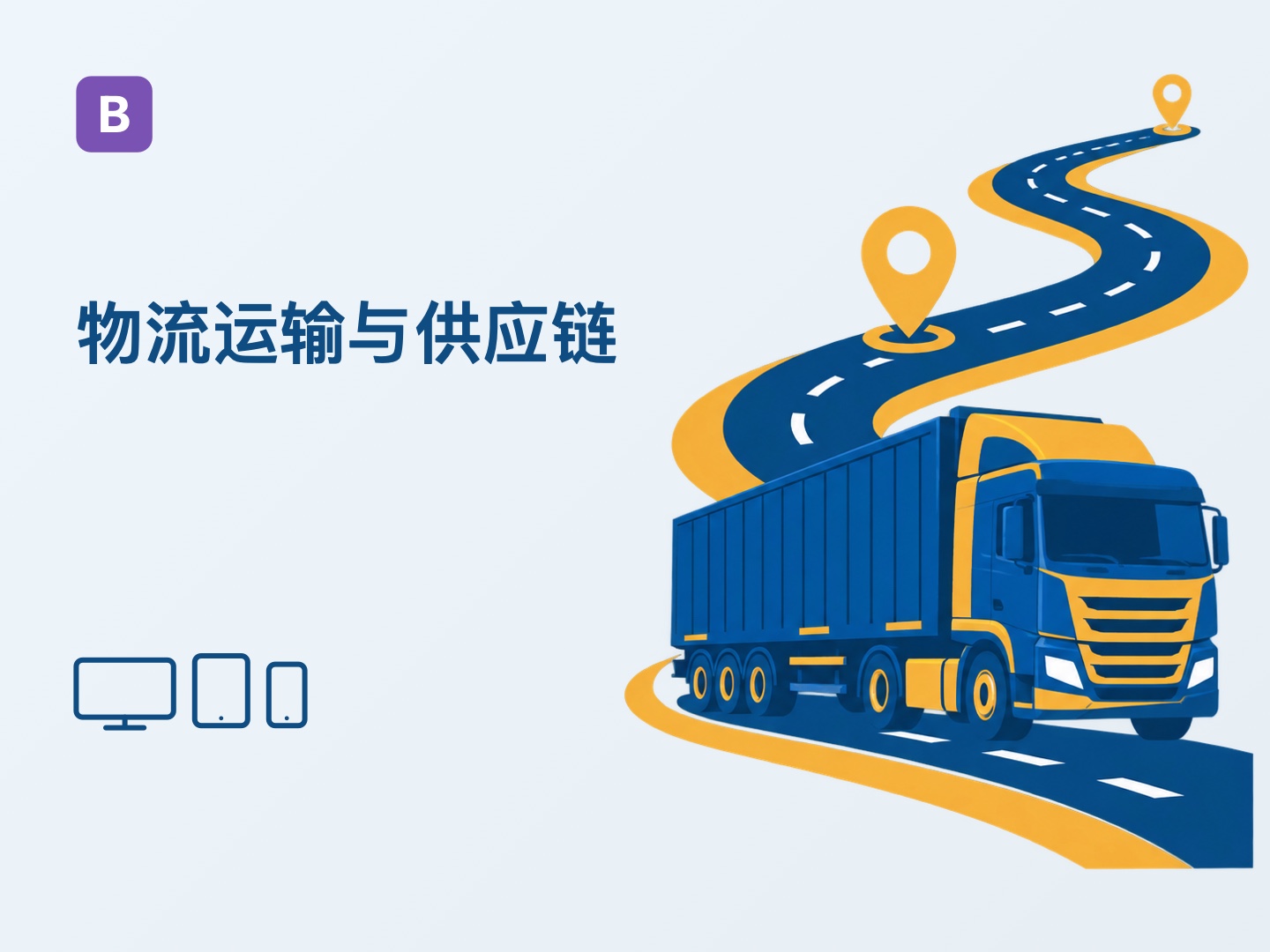



Bootstrap Logistics and Transportation Website Theme (Z-BlogPHP Theme)

Bootstrap Logistics and Transportation Website Theme (Z-BlogPHP Theme)

$59.08
Xinglan Studio(Seller)
hnyanshan@outlook.comqq91446648015639981097WeChat
QR code
classification
theme
update date
2026-09-02 02:10:55
Cumulative visits
38
scores
No one has scored yet
label
Z-BlogPHP ThemeBootstrap ThemeLogistics and transportation
purchase quantity
  • introduced
  • parameters
  • update log
  • evaluation
  • guide

It is suitable for logistics transportation and supply chain official websites, covering application scenarios such as logistics transportation, warehousing and distribution, cold chain logistics, cross-border logistics, special line transportation, intra-city distribution, supply chain management and enterprise inquiry services.

Thematic focusresponsivePage, appointment consultation or message inquiry, front-end multilingual, SEO and website data structuring, industry demonstration data import and display style configuration, easy to quickly build a professional official website, and continue to carry brand display, service or product introduction, case endorsement, information operation and long-term customer acquisition conversion.


demo site

https://log.fui.show/

The demo website is used to fully present the functions and page effects of the theme, helping you intuitively understand the application of each module. After purchase, you can flexibly adjust the display order of the homepage modules by dragging and dropping in the background "Theme Settings → Home Settings" according to actual business needs, and keep, hide or delete unnecessary content as needed.
After purchasing the theme, the author can provide free website construction support, and help sort out the homepage layout, module focus and color scheme direction in combination with your company's business positioning, so as to help the official website form a more suitable brand perception, clear and professional display effect.
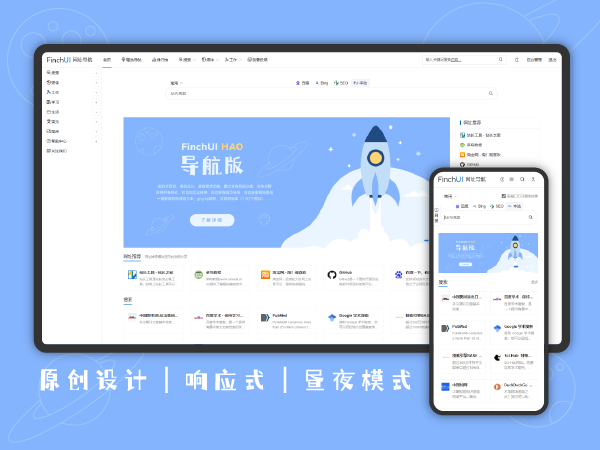
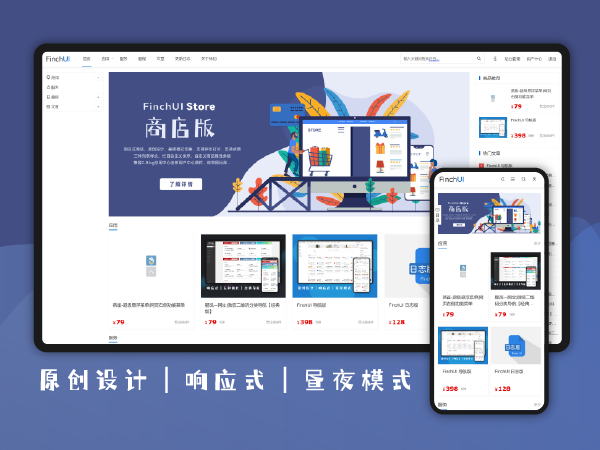
First learn about the content and functions of the website through the industry demo station, and then keep, close or adjust the module according to your own business.
  • Industry color scheme

    Theme Default color scheme fits logistics transportation and supply chain display temperamentThe main color and accent color can be adjusted by yourselfRetain industry recognition

  • Industry page structure

    Logistics serviceTransport capacityservice networkCustomer case and inquiry entrance

  • Industry demo data

    Logistics service classificationCustomer cases and logistics informationSample images and contact informationBeginners can directly refer to the content organization

  • Full Feature Demo

    The demo station showcases the main modulesUnwanted modules can be closedThe order of the first page can be adjusted.The content can be replaced with your own information

  • SEO page optimization

    Home and Content Page TDKCategories and Articles Independent SEOcanonicalShare information

  • GEO Content Foundation

    Clear content hierarchyOrganizational and service informationFrequently Asked QuestionsJSON-LD structured data

  • responsive design

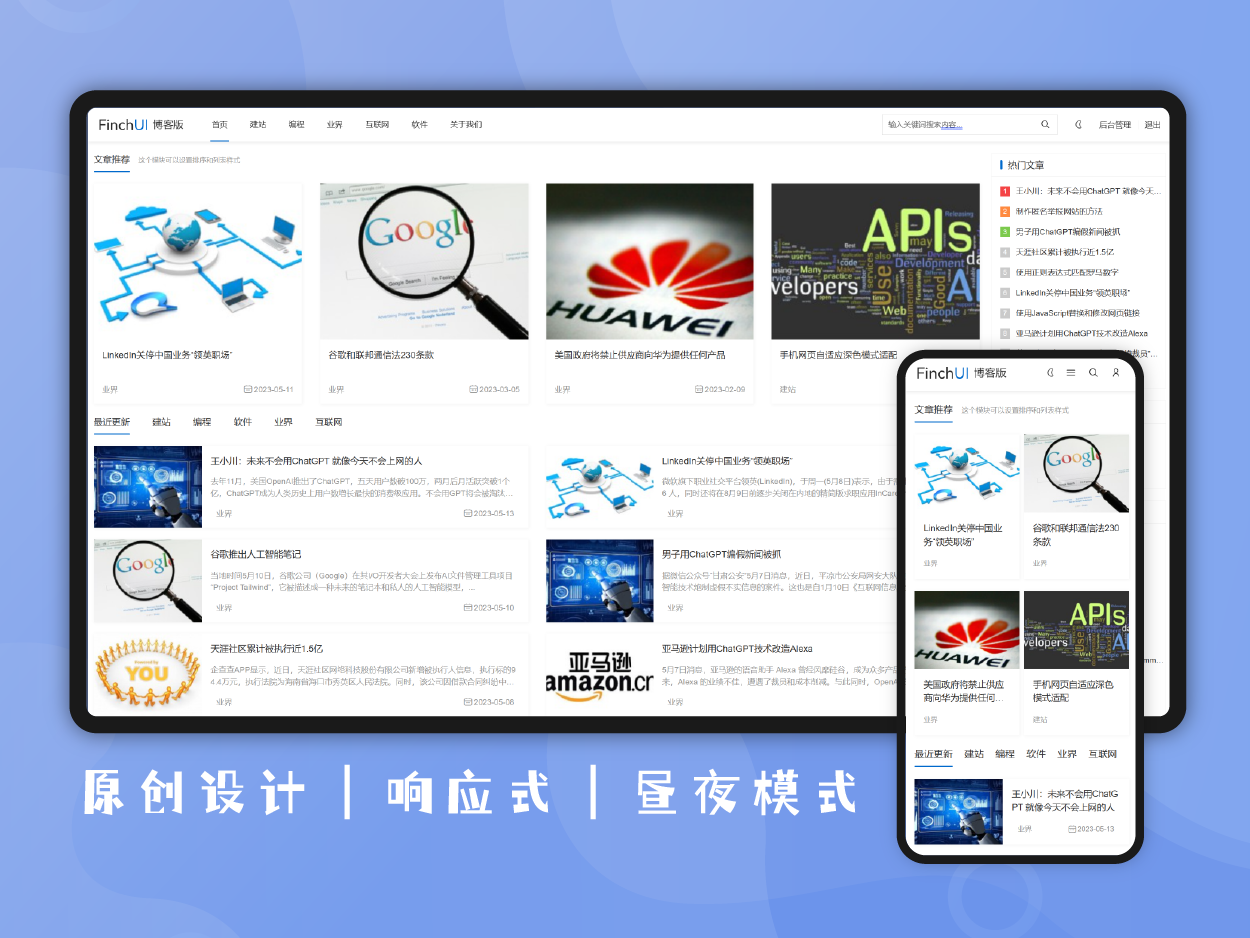
    computertabletmobile phone

  • Experience first and then use

    View industry demo stationsUnderstand background settingsConfigure according to actual needs

  • Novice usage support

    demo data importBasic installation assistanceTheme setting instructions

  • Continuous update and maintenance

    Theme feature updatecompatibility maintenanceExisting themes can be upgraded

basic settings

Set the website appearance, language, and basic code
Complete the general configuration of the website through the basic settings in the theme settings.
  • website icon

    Browser tab iconUpload image

  • front-end language

    Simplified ChineseTraditional ChineseEnglish demo data

  • optional

    multilingual website

    Adapt to FinchUI multilingual pluginLanguage switching is managed by plugins

  • recommend

    theme color

    main coloraccent colorRestore industry default color scheme

  • custom code

    header codefooter codeStatistical or third-party code

head navigation

Set up the main browsing portal for brands and visitors
Configure the logo, website name, and navigation display through the header settings.
  • core

    Website Logo

    Image LogoImage Logo can be turned offUse the website name instead

  • Website name

    Display switchbrand name

  • recommend

    navigation menu

    Z-Blog navigation managementLogistics services and content columnsMobile end menu

  • Navigation key entrance

    Inquiry or appointment linkButton textexternal link

footer information

Centralized display of brand introduction, contact information and auxiliary links
Supplement the contact information and trust content required by visitors with footer settings.
  • Footer Brand Information

    Footer LogoBrand introductioncopyright information

  • core

    contact information

    Telephoneemailaddressworking hours

  • QR codes and links

    QR code pictureFooter shortcut linkfriend link

  • statistical data

    numerical valueunitCaption textmultiple sets of data

Home Poster

Set up the core positioning and action entry points that are displayed when entering the website for the first time
Single posters or carousel content can be used to showcase business direction, key activities, and consultation links.
  • core

    Poster Type

    Single posterCarousel posterSwitch on demand

  • poster content

    subtitlemain titleCaption textbackground image

  • recommend

    action button

    Consultmake an appointmentLearn morecustom jump link

Home Module Management

Arrange homepage content according to actual business
Each home page module can be switched, sorted, set the title and adjust the number of displays individually.
  • core

    Module switch

    enable by moduleCloseable without needReduce irrelevant content

  • recommend

    Module sorting

    drag and drop sortShow priority to key businessesAdjust visitor browsing order

  • Module copy

    small labelModule titleModule Description

  • Number of content and more links

    Home page shows quantitybind content classificationView more buttons

  • Custom classification module

    Select Categoryclone moduleSet the title and quantity separately

Enterprise strength and trust display

Demonstrate brand introduction, core capabilities and customer feedback
You can choose to display according to the actual data, and all modules are not required to be enabled.
  • core

    about us

    Introduction textCorporate pictureMore links

  • core advantage

    iconAdvantage titleCaption textnumber of impressions

  • recommend

    Qualification certificate

    Certificate pictureLet's zoom in.certificate link

  • user reviews

    evaluation contentReviewer informationHome Display Switch

  • partners

    Partner Logolinknumber of impressions

Home page Business and content column

Display logistics services, customer cases and logistics information
The homepage can be bound to services, products, solutions, cases, and information categories.
  • core

    Logistics service

    bind content classificationModule Descriptionnumber of impressionsMore links

  • solutions

    bind content classificationapplication scenarioprogram contentMore links

  • recommend

    Customer case

    Case classificationCase summarynumber of impressionsDetails page

  • Logistics information

    information classificationarticle listlabel entryMore links

  • website tag

    popular firstnewly createdname sort

Team, process and recruitment

Supplementary team introduction, delivery process and recruitment information
These modules can be enabled independently and are suitable for enterprises that require a long-term introduction to people and service processes.
  • core

    Professional team

    manual listCategory Post PatternMember details pageJobs and expertise

  • service process

    Step numberProcess titleProcess descriptionArticle details page display

  • development history

    time nodeHome TimelineIndependent History Page

  • optional

    Recruitment information

    Recruitment classificationJob informationApplication linkIndependent recruitment page

Articles and columns

Manage content categories, list pages, and article details pages
Use Z-Blog articles and categories to publish corporate news, professional content, and business information.
  • Classification and subclassification

    Category pagesub-category navigationCategory introductionlist layout

  • article list

    Article coverabstractpagingSearch results

  • Article details

    Previous article Next articlerelated articlesArticle imagecontent layout

  • Tag Archives

    tab pagelabel contentLabel SEOlist display

Logistics service display

Explanation of logistics services and solutions with presentation content
Articles can be set up as a showcase project, complete with images, prices, service commitments, and custom parameters.
  • core

    Logistics service information

    picturepriceunitNo price alternative copy

  • recommend

    Inquiry button

    Default button textDefault consultation linkIndividual content can be set separately

  • service commitment

    default commitment contentCheck when editingDetails page

  • custom parameters

    default parameter nameSpecifications or scope of serviceYou can continue to add parameters

  • related content

    Category-based recommendationssame label recommendationdisplay quantityDetails page switch

Frequently Asked Questions and Independent Pages

Focusing on answering the questions that visitors are concerned about before consulting
FAQ, development history, recruitment and message consultation can all be created separately from the homepage.
  • recommend

    common problems

    Questions and answersHome page displayIndependent FAQ pagenumber of impressions

  • separate page address

    page titlepage aliaspage introductionNavigation entrance

  • on-page independent SEO

    SEO titlekeywordpage description

Message and consultation

Set the form content according to the actual reception method of the enterprise
Customer information and business needs can be collected on the homepage or on the independent consultation page.
  • core

    Message consultation switch

    Home Consulting ModuleIndependent consultation pageLeft contact information switch

  • Type of consultation

    custom consulting optionsBusiness consultingCooperation consultingOther questions

  • form field

    Country or regionnameemailTelephonefield switch

  • safety

    Required and verification code

    Item by item requiredMessage content requiredCAPTCHA switch

  • safety

    submission frequency limit

    Restricted by IP24 hoursCustom Limit Tips

email notification

Send new consultation information to the specified member in a timely manner
Support for SMTP mailing, test mailing, multiple recipients, and mailing records.
  • core

    outgoing mailbox

    SMTP serverPortoutgoing emailmailing name

  • secure connection

    SSLTLSEmail account configuration

  • recommend

    Consultation notice

    New consultation email remindermultiple inbox addressesAutomatically send after submission

  • mail record

    Send statusnotification logtest email

SEO page optimization

Set the title, description, and page relationship displayed in search results
Theme SEO can be turned on independently; theme output can also be turned off when other SEO plugins are already in use.
  • core

    Topic SEO Switch

    titlekeyworddescribeauthorcanonical

  • Home SEO

    Home titleHome KeywordsHome Description

  • page title rules

    Category Page TitleArticle page titleTab titleMultiple formats

  • recommend

    Content Independent SEO

    Category SEOArticle SEOstandalone page SEOOverride default information

Sharing, Structured Data, and GEO Fundamentals

Help search engines and AI search better understand website content
Provides shared information and standard JSON-LD data output without commitment to specific rankings or inclusion results.
  • Open Graph Information Sharing

    Share titleShare Descriptionshare picturespage type

  • professional

    Organizational Information Structuring

    Organization typeorganization nameLogoPhone number and addresssocial links

  • professional

    page type structure

    WebSiteCollectionPageArticleProduct or Service

  • Logistics service structuring

    Parameter automatic mappingExtra AttributeBrand Informationcontent type

  • Breadcrumbs and in-app search

    BreadcrumbListSearchActionindependent switch

Demo data and installation

Import industry examples first, then replace with your own corporate profile
The presentation data is used to help newcomers understand how the content of the logistics transportation and supply chain official website is organized.
  • core

    Industry example content

    Logistics service classificationCustomer cases and logistics informationTeam and Frequently Asked QuestionsSample images and contact information

  • recommend

    Home Sample Modules

    Company introductionLogistics serviceTeamevaluationmessage consultation

  • Navigation and classification

    Automatically create categoriesAutomatically create navigationCorresponding home page module

  • Replace and restore

    Replace example text and imagesClose no module requiredRestore initial demo data

t like1
version number
1.0.2
work ID
bs_logistics
procedural requirements
1.7.3
PHP version
7.0
package size
850.19 KB
  • 202609-02

    v1.0.2

    Added a large module on the homepage to scroll gradually

    • newThe first large module fades in and slightly moves up when entering the visible area; the animation is not split into the internal card of the module, and is compatible with reduced dynamic effects, no IntersectionObserver and printing scenes.
  • 202608-20

    v1.0.1

    Added navigation bar highlighting

    • newAdded the current page highlighting in the navigation bar, and supports the linkage highlighting of category pages, article categories, multi-level classification parents, and independent page menus.
  • 202608-11

    v1.0

    first release

    • newfirst release

guess you like

Share

Copy Link
Working hours: 9:00-22:00
Saturday and Sunday: 14:00-22:00
wechat
Scan the code to add customer service WeChat